SEO Audit Tools for Small Business Owners: Honest Reviews
Here’s something I see all the time: a small business owner Googles “SEO audit tools for small business owners,” gets hit with a wall of options, and either picks the wrong one or just… freezes. I get it. There are dozens of tools out there, most of them marketed like they’ll solve every problem you’ve ever had. They won’t.
But the right tool — matched to your actual situation — can save you a ton of time and show you exactly where your website is leaking traffic. So let me walk you through what I’ve actually used, what I recommend to clients, and where I think most people waste money.
Why You Even Need an SEO Audit Tool

Quick version: your website has problems you can’t see by just looking at it. Broken links, slow pages, missing meta descriptions, thin content, crawl errors — stuff that quietly tanks your rankings while you’re busy running your business.
An SEO audit tool crawls your site (kind of like Google does) and flags those issues. Some tools go deeper — they’ll check your backlinks, track keyword rankings, spy on competitors. Others keep it simple. Neither approach is wrong. It depends on what you need.
If you want a deeper dive into what an audit actually involves step by step, I wrote about that in our SEO audit guide for small businesses. Worth reading before you pick a tool, honestly.
The Tools I Actually Recommend
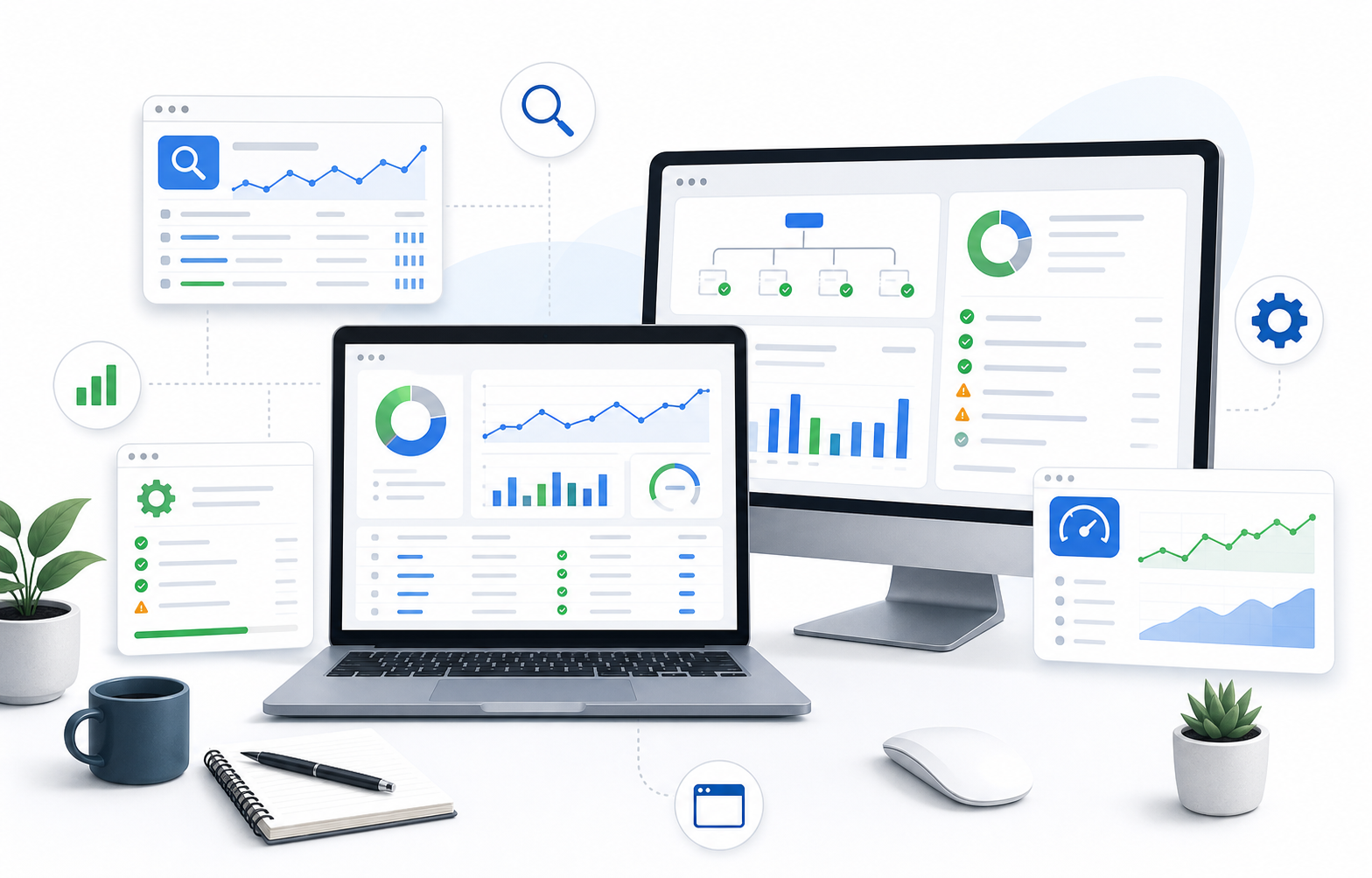
I’m not going to list fifteen options. That’s not helpful. Here are the ones I’ve used with real clients and can speak to honestly.
Google Search Console (Free)
Start here. Seriously. If you don’t have Search Console set up, stop reading and go do that first.
It’s free, it’s straight from Google, and it tells you things no paid tool can — like which queries are actually bringing people to your site, which pages have indexing issues, and whether Google is having trouble crawling anything. The data is limited (you only get about 16 months of history, and keyword data is sampled), but it’s the foundation.
The catch? It doesn’t really “audit” your site in a structured way. It gives you raw data. You have to know what to do with it. That’s where the paid tools come in.
Screaming Frog (Free up to 500 URLs, paid version ~$259/year)
This is my workhorse. Screaming Frog is a desktop crawler — you point it at your site and it crawls every page, then spits out a spreadsheet of everything it found. Broken links, duplicate titles, missing alt text, redirect chains, page speed issues… all of it.
For most small business sites (under 500 pages), the free version does the job. That’s a big deal.
The downside: it’s not pretty. The interface looks like it was designed by engineers for engineers. There’s a learning curve. But once you get the hang of it, nothing else gives you this level of detail for the price.
Semrush (Starts around $130/month)
Semrush is the Swiss Army knife. Site audits, keyword research, competitor analysis, backlink tracking, rank monitoring — it does everything. And honestly, it does most of it well.
The site audit feature specifically is solid. It gives you a health score, breaks issues into errors/warnings/notices, and tells you how to fix each one. For someone who isn’t super technical, that guidance matters.
But — and this is a real “but” — $130/month is a lot for a small business. If you’re a local bakery or a two-person consulting firm, that’s a hard expense to justify unless you’re actively doing SEO work every week. I usually recommend it for businesses that are ready to take SEO seriously as a channel, not as a one-time checkup.
Ahrefs (Starts around $129/month)
Very similar to Semrush in scope. Some people swear by Ahrefs for backlink analysis specifically — their link database is massive. The site audit tool is clean and well-organized.
Honestly, the Semrush vs. Ahrefs debate is kind of like Coke vs. Pepsi at this point. Both are excellent. If you’re choosing between them, I’d say: Semrush edges ahead on keyword research features, Ahrefs on backlink data. For a pure site audit, they’re roughly equal.
One thing I like about Ahrefs: their free webmaster tools let you run a basic site audit and see your backlinks without paying. It’s limited, but it’s a good way to test the waters.
Ubersuggest (Free tier available, paid starts ~$29/month)
Neil Patel’s tool. It’s the most budget-friendly paid option and honestly, for basic audits, it’s fine. The audit report is straightforward — it flags technical issues, gives you an SEO score, and suggests fixes in plain English.
Where it falls short: depth. If you need detailed crawl data or advanced filtering, you’ll hit its limits fast. But for a small business owner who wants a monthly health check without a steep learning curve? Ubersuggest is a perfectly reasonable choice.
SE Ranking (~$52/month)
This one flies under the radar but I’ve been recommending it more lately. It hits a nice middle ground — more capable than Ubersuggest, less expensive than Semrush. The audit tool is thorough, the interface is intuitive, and it includes rank tracking and competitor research.
Not perfect — the backlink database isn’t as big as Ahrefs, and some advanced features feel a little clunky. But for the price, it punches above its weight.
How to Pick the Right One

Here’s my honest framework. It’s not complicated.
- Budget is tight and you’re DIY-ing: Google Search Console + Screaming Frog free version. You’ll cover 80% of what matters.
- You want something easy with a small monthly cost: Ubersuggest or SE Ranking.
- You’re investing seriously in SEO as a growth channel: Semrush or Ahrefs. Pick one, learn it well, and use it consistently.
Don’t buy two tools that do the same thing. I’ve seen business owners paying for both Semrush AND Ahrefs. That’s $260/month for a ton of overlap. Pick one.
What to Actually Look at in an Audit Report

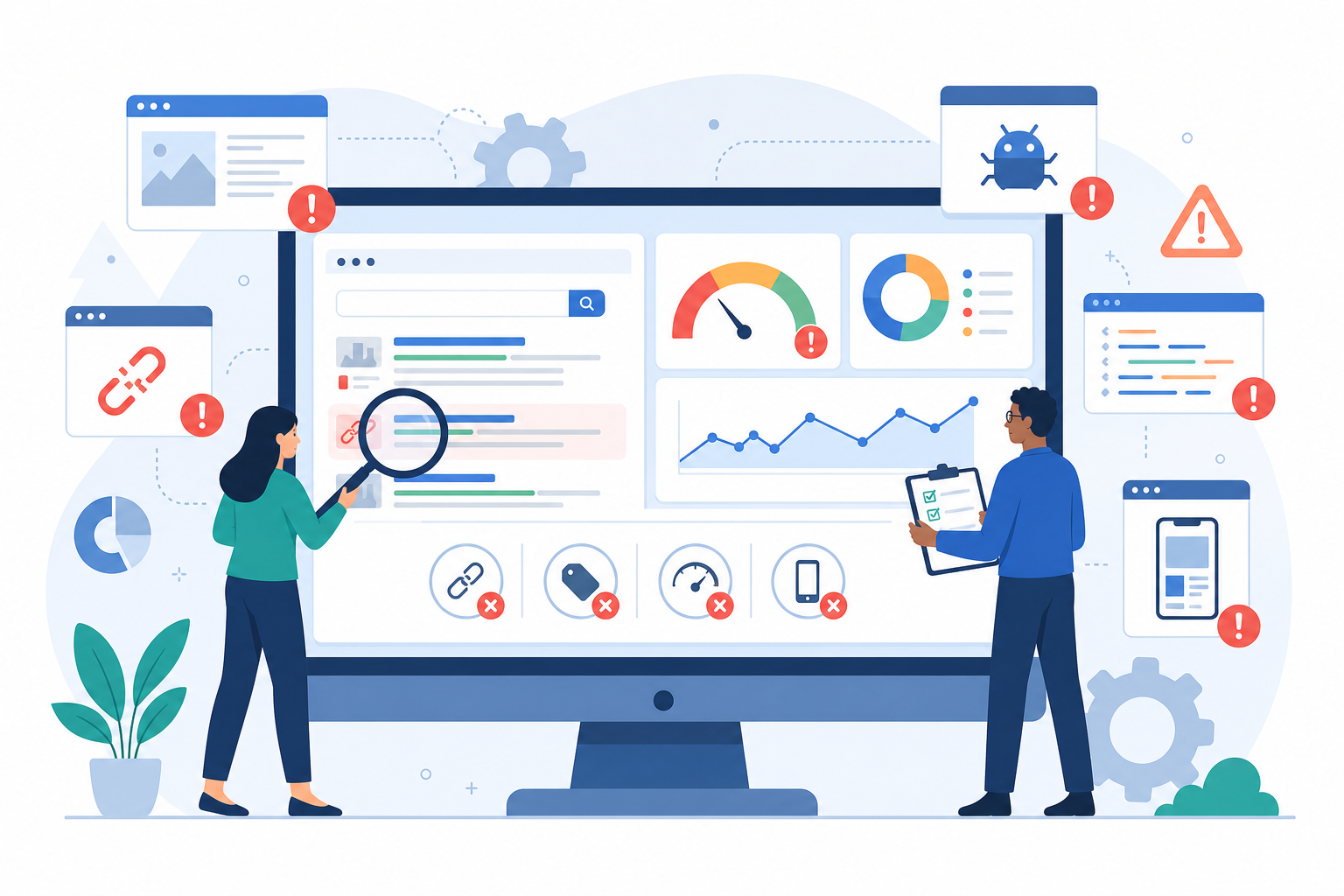
Most tools will throw hundreds of “issues” at you. That can feel overwhelming. Here’s what actually moves the needle for small business sites:
Fix these first:
- Pages returning 404 errors (broken pages)
- Missing or duplicate title tags and meta descriptions
- Slow-loading pages (anything over 3 seconds is a problem)
- Pages that aren’t being indexed by Google
- Mobile usability issues
Important but less urgent:
- Missing alt text on images
- Thin content pages (under ~300 words with no real substance)
- Internal linking gaps
- Redirect chains
If you want a more detailed breakdown of technical fixes, our technical SEO checklist covers the specifics.
The point is: don’t try to fix everything at once. Prioritize by impact. A broken page that used to get traffic? Fix that today. A missing alt tag on a decorative image? It can wait.
Common Mistakes I See
Running an audit once and never doing it again. SEO isn’t a one-and-done thing. Your site changes, Google’s algorithm changes, competitors change. I tell clients to run a basic audit quarterly at minimum.
Another one: obsessing over the “score.” Every tool gives you some kind of health score or grade. These are useful as directional indicators, but they’re not gospel. I’ve seen sites with a 95/100 audit score that rank for nothing, and sites with a 70 that do great — because the 70 had better content and more backlinks. The audit score measures technical health, not overall SEO performance.
And this might be controversial, but — some people spend so much time auditing that they never actually create content or build links. The audit is supposed to clear the path. The real work is what comes after. If you’re thinking about how content and SEO work together, this piece on aligning content and SEO strategy is worth a read.
Free vs. Paid: The Real Difference
Free tools (Search Console, Screaming Frog free, Ahrefs Webmaster Tools) give you the data. Paid tools give you the data plus interpretation, tracking over time, and competitor context.
If you know what you’re looking at, free tools are genuinely powerful. If you want something that holds your hand a bit and tells you “here’s what to fix and why” — that’s what you’re paying for with the premium tools.
There’s no shame in starting free and upgrading later. That’s actually what I recommend. Get comfortable reading audit data before you start paying $130/month for it.
Google’s own SEO starter guide is also a solid free resource if you want to understand the basics of what these tools are measuring.
A Quick Note on “All-in-One” Platforms
Tools like Semrush and Ahrefs market themselves as all-in-one SEO platforms. And they kind of are. But “all-in-one” can also mean “jack of all trades.” Their audit features are great. Their keyword tools are great. But for certain specific tasks — like deep technical crawling — a specialist tool like Screaming Frog still wins.
My ideal setup for a small business that’s serious about SEO: one all-in-one platform (Semrush or Ahrefs) plus Screaming Frog for detailed crawls. That covers pretty much everything. According to Moz’s beginner guide to SEO, understanding both technical and content-side SEO is what separates sites that rank from sites that don’t — and having the right tools makes that a lot easier.
FAQ
Do I really need an SEO audit tool if my site is small?
Yes. Small sites still have technical issues — sometimes more, because they were built quickly without SEO in mind. The free tools are more than enough to start.
Can I just use Google Search Console and skip everything else?
You can get surprisingly far with just Search Console, especially if you pair it with a good SEO checklist to guide what you’re looking for. But it won’t crawl your site for technical issues the way a dedicated audit tool does.
How often should I run an SEO audit?
Quarterly for a full audit. Monthly if you’re actively making changes to your site. And always after a redesign or migration — that’s when things break most often.
Is Semrush worth it for a small business?
Depends on how much you’re investing in SEO. If you’re spending real time on keyword research, content creation, and link building every month, absolutely. If you just want to check your site health once in a while, it’s overkill. Start with something cheaper.
What if I run an audit and get hundreds of errors?
Don’t panic. Most of those “errors” are minor. Focus on the ones I listed above — broken pages, missing titles, speed issues, indexing problems. Fix those first and you’ll see the biggest improvement.
Are there any SEO audit tools specifically for local businesses?
Most general tools work fine for local businesses. But if local SEO is your main focus, tools like BrightLocal or Whitespark add features like local citation tracking and Google Business Profile auditing that the big platforms don’t cover as well.
Can an audit tool actually improve my rankings?
The tool doesn’t improve anything — you do. The tool just shows you what’s broken. Think of it like a doctor’s checkup. The diagnosis doesn’t cure you, but it tells you what to treat.
Wrapping Up
The best SEO audit tool for you is the one you’ll actually use. That sounds obvious, but I mean it. A $130/month tool collecting dust is worse than a free tool you check every month.
Start with Google Search Console and Screaming Frog. Get comfortable reading the data. If you outgrow those, upgrade to something like SE Ranking or Semrush. And remember — the audit is just the starting point. The real wins come from fixing what it finds and then building great content on a solid foundation.
If you get stuck or want someone to look over your audit results, feel free to drop us a line. Happy to point you in the right direction.