
Step by Step SEO Audit Guide for Small Businesses
You know your business deserves more online traffic. But your website sits on page two of Google. Sound familiar?
A Search Engine Optimization (SEO) audit can change that. It helps you find what’s broken and what’s missing. Then you fix those issues one at a time.
This step by step SEO audit guide for small businesses walks you through the whole process. You don’t need fancy tools or a big budget. Just follow along and take notes as you go.
What Is an SEO Audit and Why Does It Matter?
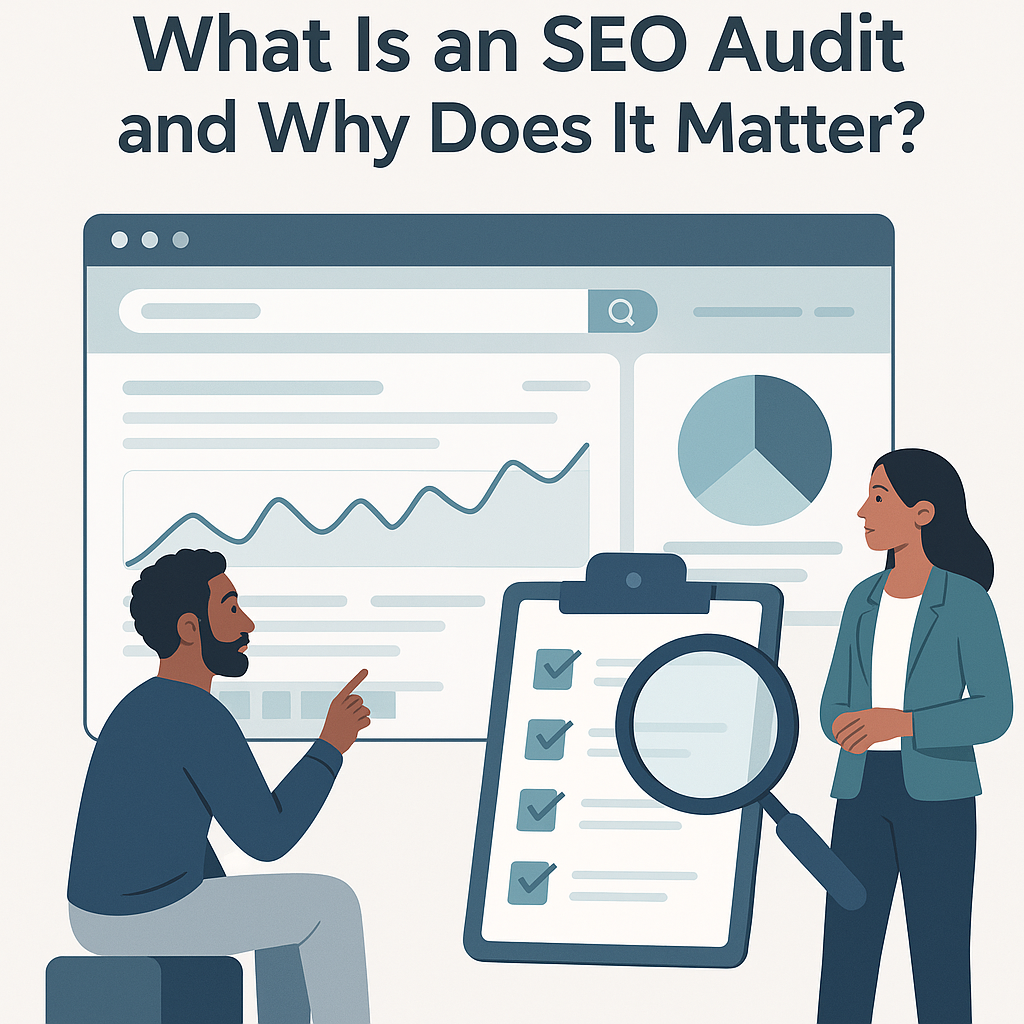
An SEO audit is a health check for your website. It looks at how search engines see your site. It also checks how users experience your pages.
Think of it like a car inspection. You check the engine, brakes, and tires. Then you fix what needs attention first.
According to Search Engine Journal, regular SEO audits help sites stay competitive in search results. In 2026, Google updates its algorithm hundreds of times per year. An audit keeps you on track.
Step 1: Check Your Site’s Crawlability
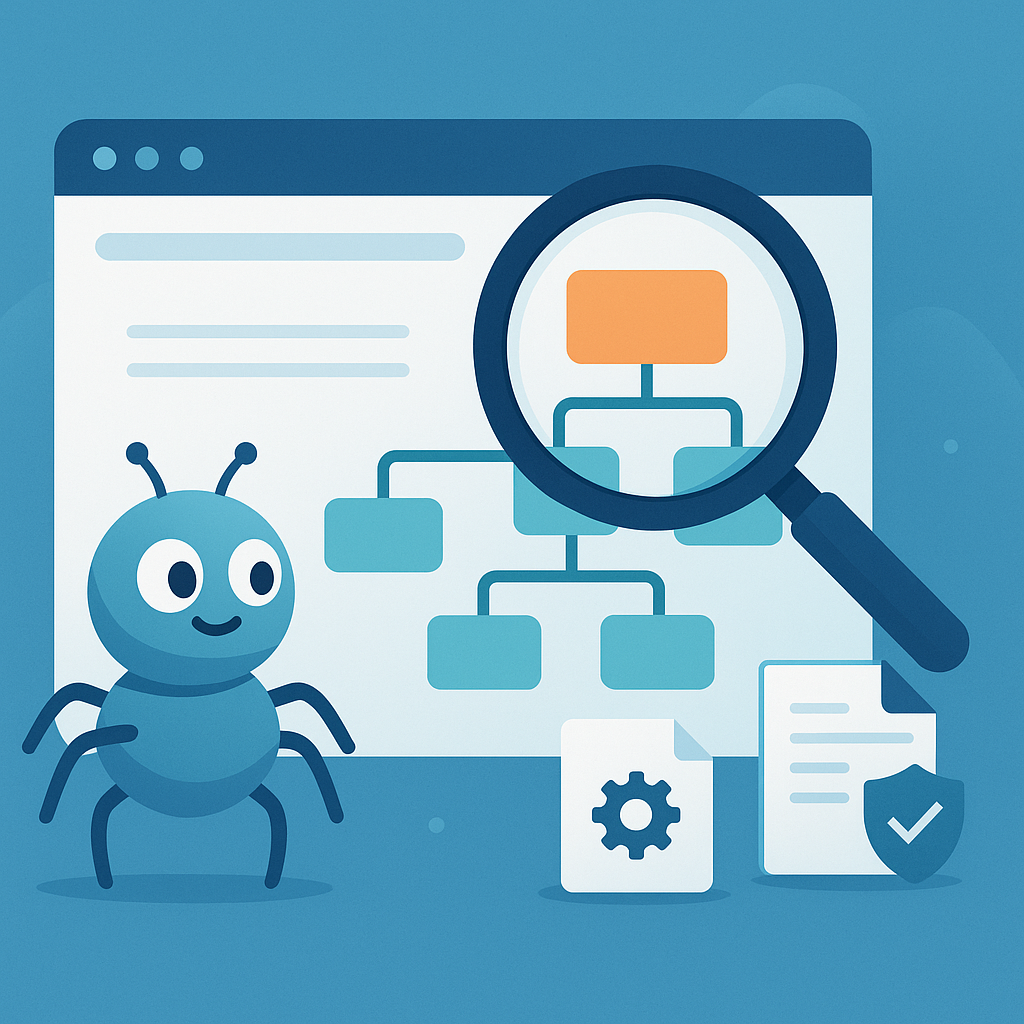
Search engines send bots to crawl your site. If bots can’t access your pages, you won’t rank. This is the first thing to check.
How to Test Crawlability
- Go to Google Search Console and check the “Pages” report
- Look for pages marked as “Not indexed”
- Check your robots.txt file for blocked pages
- Make sure your XML sitemap is submitted
Fix any crawl errors right away. These are quick wins that make a big difference. For a deeper dive, check out this technical SEO checklist for small businesses.
Step 2: Audit Your Site Speed

Slow sites lose visitors fast. Google also uses page speed as a ranking factor. You need your pages to load in under three seconds.
Free Tools to Test Speed
- Google PageSpeed Insights: Gives you a score and fix suggestions
- GTmetrix: Shows load time and file sizes
- Chrome DevTools: Lets you test on different devices
Common Speed Fixes
- Compress large images before uploading
- Remove unused plugins on WordPress
- Turn on browser caching
- Use a content delivery network (CDN)
Even small speed gains help your rankings. A one-second delay can cut conversions by 7%, according to.
Step 3: Review Your On-Page SEO
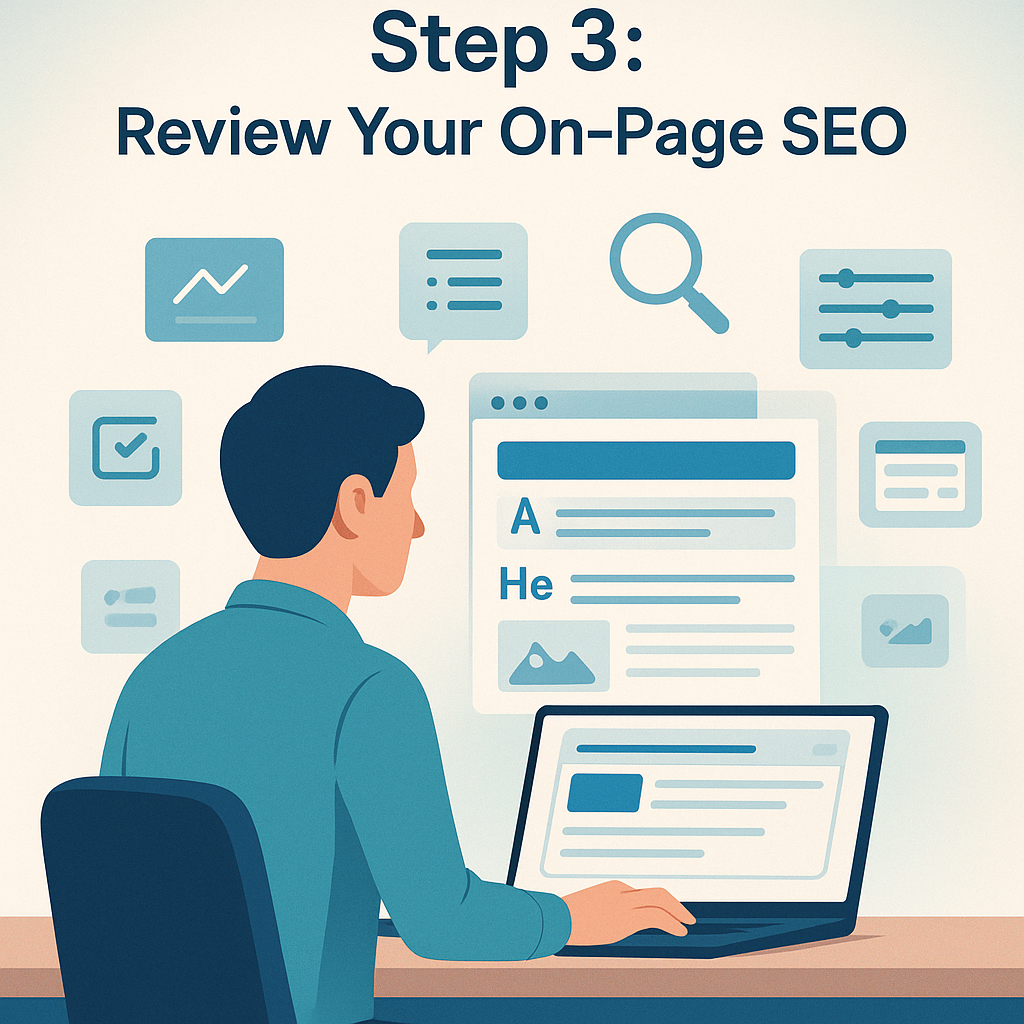
On-page and technical SEO work together. On-page SEO focuses on what visitors see. This includes titles, headings, and content on each page.
Title Tags and Meta Descriptions
Every page needs a unique title tag. Keep it under 60 characters. Include your target keyword near the front.
Meta descriptions should be 145 to 155 characters. They don’t directly affect rankings. But they do affect click-through rates.
Heading Structure
- Use one H1 tag per page with your main keyword
- Use H2 tags for major sections
- Use H3 tags for sub-sections
- Keep headings clear and descriptive
Content Quality Check
Read each page out loud. Does it answer the visitor’s question? Is it easy to scan?
Look for thin pages with fewer than 300 words. Either add more helpful content or merge them. You can learn more about building strong pages in this guide on how to build SEO-friendly web pages.
Step 4: Analyze Your Keyword Strategy

Keywords connect your content to search queries. Without the right keywords, your pages won’t match what people search for.
How to Audit Your Keywords
- List the main keyword for each page
- Check if that keyword appears in the title, H1, and first paragraph
- Look for keyword cannibalization (two pages targeting the same term)
- Find gaps where you have no content for important topics
Use free tools like Google Keyword Planner or Ubersuggest. They show search volume and competition levels. Focus on long-tail keywords with lower competition.
Step 5: Check Mobile Friendliness
Over 60% of web traffic in 2026 comes from mobile devices. Google uses mobile-first indexing. Your site must work well on phones.
What to Look For
- Text should be readable without zooming
- Buttons should be easy to tap
- No horizontal scrolling needed
- Images should resize for small screens
Use Google’s Mobile-Friendly Test tool. It’s free and takes seconds. Fix any issues it flags right away.
Step 6: Audit Your Internal Links
Internal links help search engines understand your site structure. They also guide visitors to related content. Most small business sites don’t use enough of them.
Internal Link Best Practices
- Link from high-traffic pages to important pages
- Use descriptive anchor text (not “click here”)
- Fix any broken internal links
- Add links to new content from older posts
A strong internal link structure keeps visitors on your site longer. It also spreads link value across your pages.
Step 7: Review Your Backlink Profile
Backlinks are links from other websites to yours. They act as votes of trust. More quality backlinks usually means higher rankings.
How to Check Backlinks
- Use Google Search Console’s “Links” report
- Check for spammy or low-quality links
- Look at what content earns the most links
- Compare your backlink count to competitors
If you find toxic backlinks, use Google’s disavow tool. Focus on earning new links through great content. Guest posts and local partnerships also help.
Step 8: Audit Local SEO (If You Serve a Local Area)
Local SEO matters for small businesses with a physical location. It helps you show up in Google Maps and local search results.
Local SEO Checklist
- Claim and update your Google Business Profile
- Make sure your name, address, and phone are the same everywhere
- Get reviews from happy customers
- Add local keywords to your page titles and content
For more local SEO tips, read this practical guide to local SEO. It covers everything from citations to map pack rankings.
Step 9: Set Up Tracking and Reporting
You can’t improve what you don’t measure. Set up tracking before you start making changes. This way you’ll know what works.
Must-Have Tracking Tools
- Google Analytics 4: Tracks traffic, user behavior, and conversions
- Google Search Console: Shows search performance and indexing issues
- Rank tracking tool: Monitors your keyword positions over time
Check your data weekly at first. Look for trends over 30 to 90 days. Quick changes rarely show the full picture.
When to Consider Search Engine Optimization Services
You can do a lot on your own. But sometimes you need extra help. Search engine optimization services make sense when you’re short on time or facing tough competition.
Here are signs you might need outside help:
- Your traffic has dropped and you can’t figure out why
- You don’t have time to make regular updates
- Your competitors keep outranking you
- You need help with advanced technical fixes
Whether you DIY or hire help, this audit gives you a clear starting point. You can also explore the essential SEO checklist for small businesses for even more action items.
Frequently Asked Questions
How often should I run an SEO audit?
Run a full audit every three to six months. Do quick checks monthly. Google updates its algorithm often in 2026. Regular audits keep you ahead of changes.
How long does an SEO audit take?
A basic audit takes two to four hours. A deep audit can take a full day. It depends on your site’s size and complexity.
What’s the difference between on-page and technical SEO?
On-page SEO covers content, keywords, and meta tags. Technical SEO covers site speed, crawlability, and code. Both matter for good rankings. You need to check on-page and technical SEO together.
Can I do an SEO audit without paid tools?
Yes. Google Search Console and Google Analytics are free. PageSpeed Insights is also free. These tools cover most of what you need.
What should I fix first after an audit?
Start with crawl errors and broken links. Then fix speed issues. After that, work on title tags and content. Focus on changes that affect the most pages first.
Will an SEO audit guarantee higher rankings?
No audit can guarantee rankings. But it shows you exactly what to fix. Fixing those issues gives you the best chance to rank higher over time.
How do I know if my SEO audit worked?
Track your keyword rankings and organic traffic. Compare data from before and after your fixes. Give it 60 to 90 days to see real results.
Wrap Up and Next Steps
You now have a clear, step by step SEO audit guide for small businesses. Start with crawlability and speed. Then move to on-page and technical SEO fixes. Finally, track your results.
Here’s a quick recap of what to do:
- Check crawlability and fix errors
- Speed up your site
- Review on-page elements like titles and headings
- Audit your keyword strategy
- Test mobile friendliness
- Improve internal links
- Review your backlink profile
- Boost local SEO if you serve a local area
- Set up tracking tools
Pick one step and start today. Small, steady changes add up fast. If you want to learn more, explore the blog for more guides on growing your online presence.