
Integrating SEO with Web Design and Marketing for Maximum Impact
You built a great website. You run ads. You post on social media. But nothing seems to connect. Sound familiar?
Many small business owners treat SEO, web design, and marketing as separate tasks. They hire one person for the website. They hire another for SEO. Then someone else handles email or social media. The result? A scattered approach that wastes time and money.
This guide shows you how integrating SEO with web design and marketing creates a unified system. You will learn simple steps to align all three. The payoff is more traffic, better leads, and stronger results.
Why SEO, Web Design, and Marketing Must Work Together
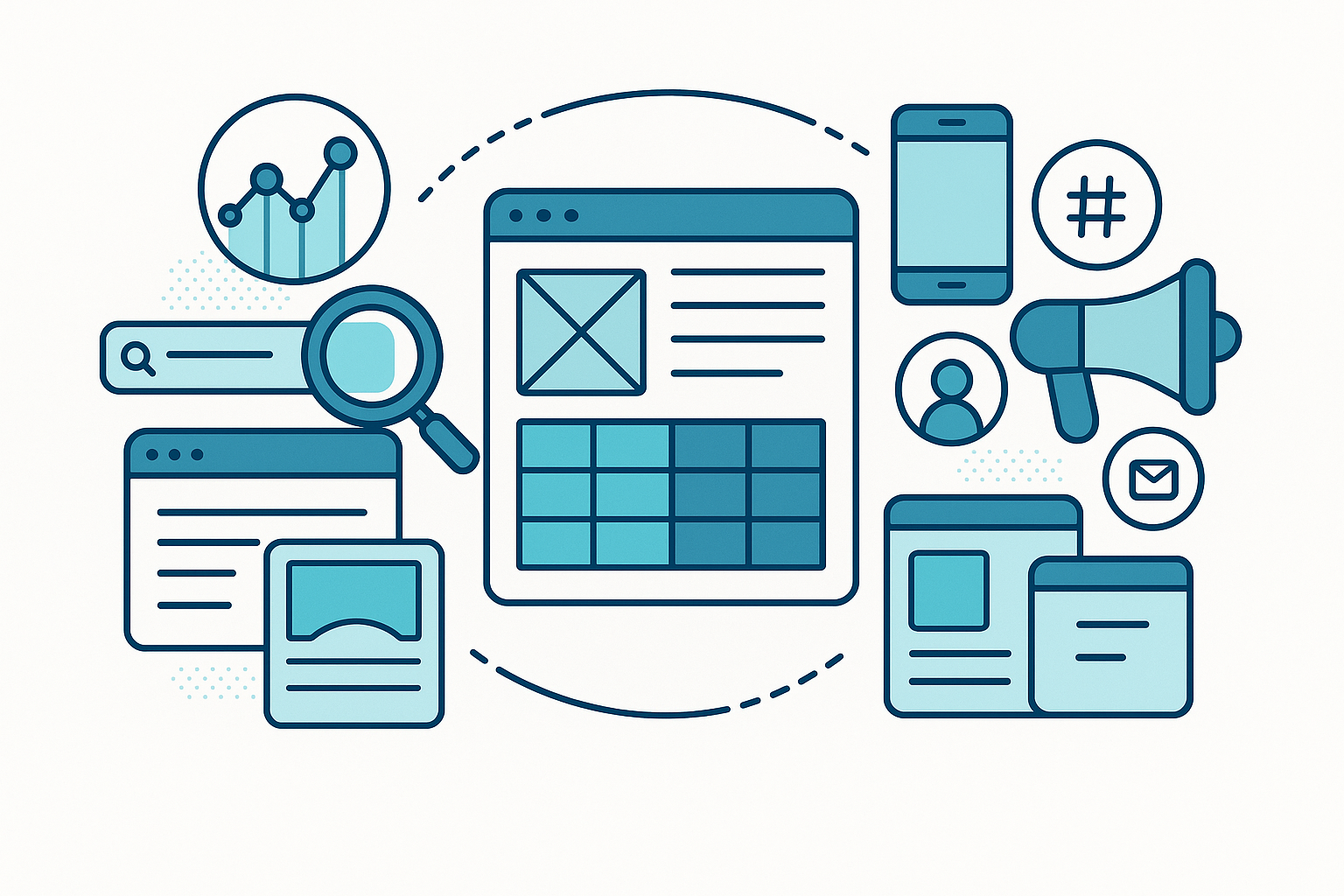
Think of your online presence like a three-legged stool. SEO is one leg. Web design is another. Marketing is the third. Remove any leg, and the stool falls over.
Here is what happens when they are disconnected:
- Your website looks great but nobody finds it on Google.
- Your SEO brings traffic, but visitors leave because the site is confusing.
- Your marketing drives clicks, but the landing page does not convert.
When all three work together, each one makes the others stronger. A well-designed site keeps visitors longer. Good SEO brings the right people. Smart marketing turns those people into customers.
Start with SEO-Friendly Web Design
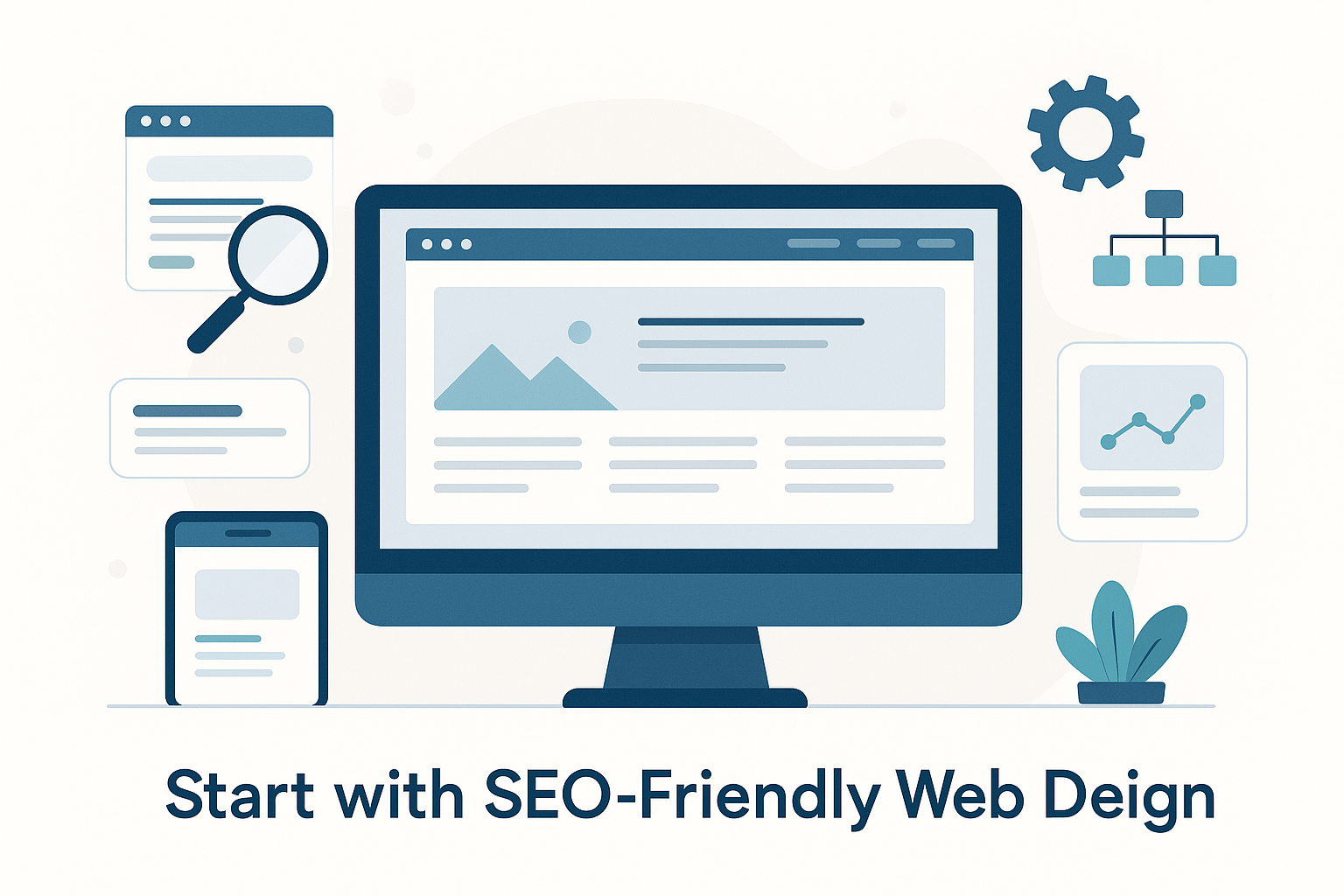
Your website is the foundation. If it is not built for search engines, everything else suffers. SEO-friendly web design means your site is easy for both people and Google to use.
Speed Matters More Than You Think
Google uses page speed as a ranking factor. Slow sites also frustrate visitors. According to Google’s PageSpeed guidelines, pages should load in under three seconds.
Here are quick ways to speed up your site:
- Compress images before uploading them.
- Use a fast hosting provider.
- Remove plugins or scripts you do not need.
Mobile-First Design Is Essential
Most web traffic now comes from phones. Google indexes the mobile version of your site first. If your site is hard to use on a phone, your rankings will drop.
Make sure buttons are easy to tap. Keep text large enough to read. Test your site on different screen sizes. For more tips, check out this practical guide to small business website design.
Clean Site Structure Helps SEO
Your site needs a clear layout. Use simple navigation menus. Group related pages under logical categories.
A clean structure helps Google crawl your site faster. It also helps visitors find what they need. Both of these improve your rankings.
Build Each Page with Search in Mind
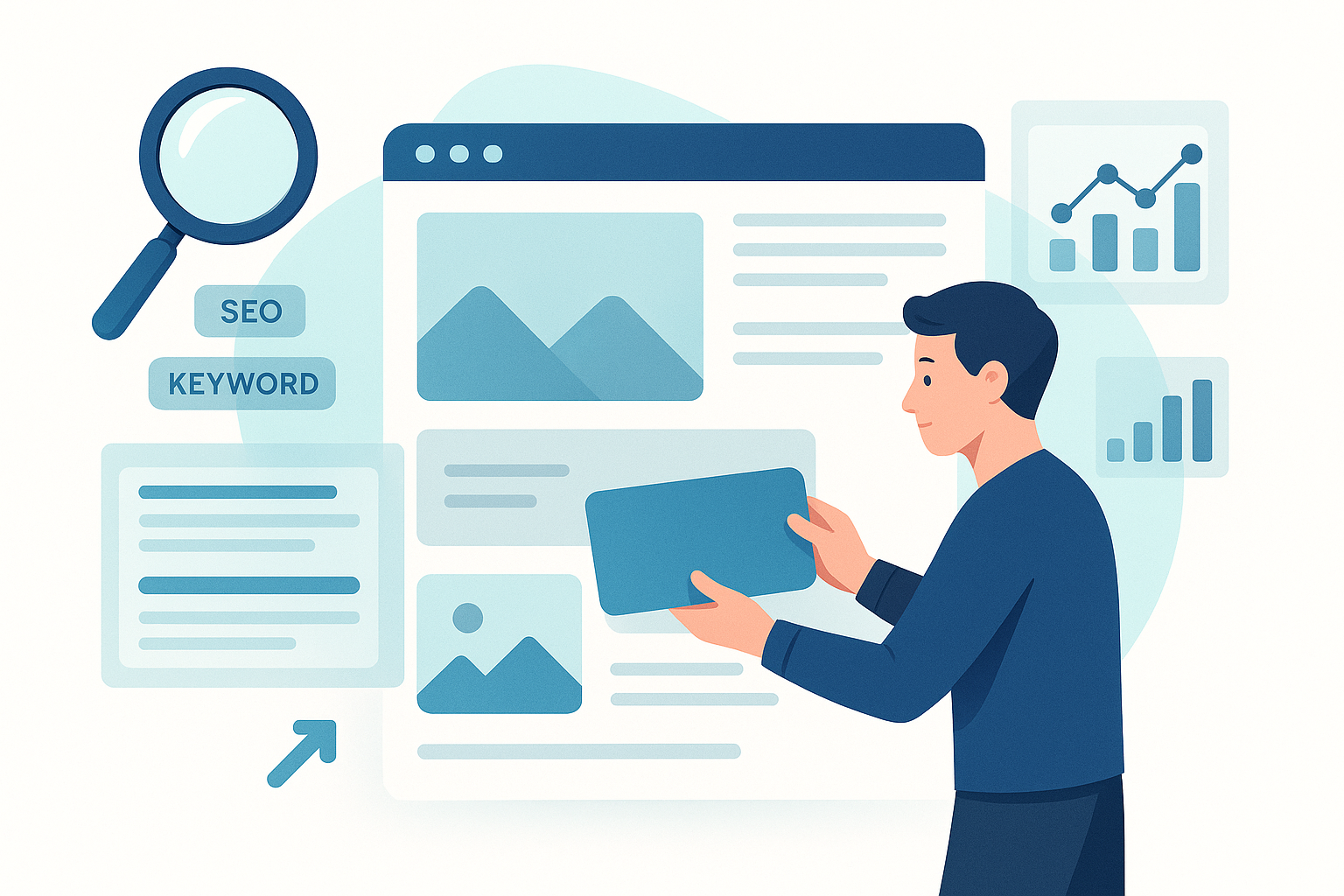
Every page on your site is a chance to rank on Google. But only if you build it the right way. Here is how to make each page work harder for you.
Use Keywords Naturally
Pick one main keyword per page. Place it in the title tag, first paragraph, and at least one heading. Do not stuff it in everywhere. Write for humans first.
Your secondary keywords should appear in subheadings and body text. For example, a professional website design company page could target related terms like “custom web design” or “small business websites.”
Write Clear Title Tags and Meta Descriptions
Title tags tell Google what your page is about. Keep them under 60 characters. Meta descriptions should be 145 to 155 characters. Both should include your target keyword.
Think of these as mini ads in search results. They convince people to click. Make them specific and helpful.
Use Header Tags the Right Way
Use one H1 tag per page. Use H2 tags for main sections. Use H3 tags for sub-sections. This creates a clear outline for Google and readers.
Want a deeper dive? This guide on building SEO-friendly web pages that rank and convert covers each step in detail.
Connect Your Marketing Channels to Your Website
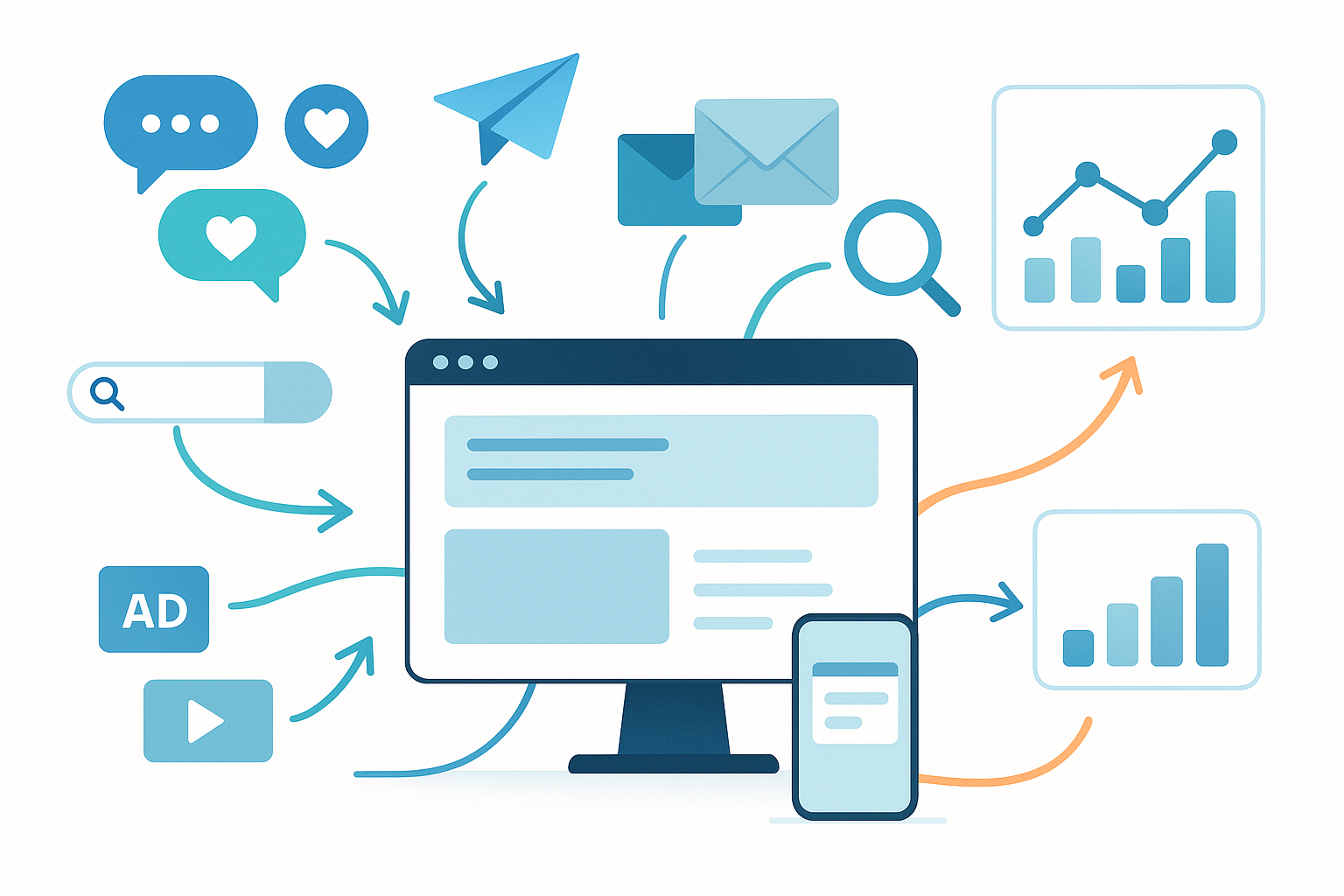
Your website should be the hub of all marketing. Every campaign should drive people back to your site. Here is how to connect the dots.
Email Marketing
Email is one of the highest-ROI marketing channels. But your emails need to link to well-designed landing pages. If someone clicks your email, the page they land on must match the message.
Use the same language in your email and landing page. Keep the design consistent. Make the next step obvious. Learn more about how email marketing boosts conversions for small businesses.
Social Media
Social media builds awareness. But awareness alone does not pay the bills. Every social post should have a purpose. That purpose is usually driving traffic to your site.
Share blog posts. Promote landing pages. Link to helpful resources on your site. This creates a loop between social media and your website.
Paid Ads
Pay-per-click (PPC) ads work best when they match your SEO strategy. Use the same keywords in your ads and your organic content. This builds consistency across channels.
Your ad landing pages should load fast. They should have clear calls to action. They should match the ad copy exactly. According to HubSpot’s landing page research, matching ad copy to landing page copy can improve conversion rates by up to 25%.
Content Is the Glue That Holds It All Together
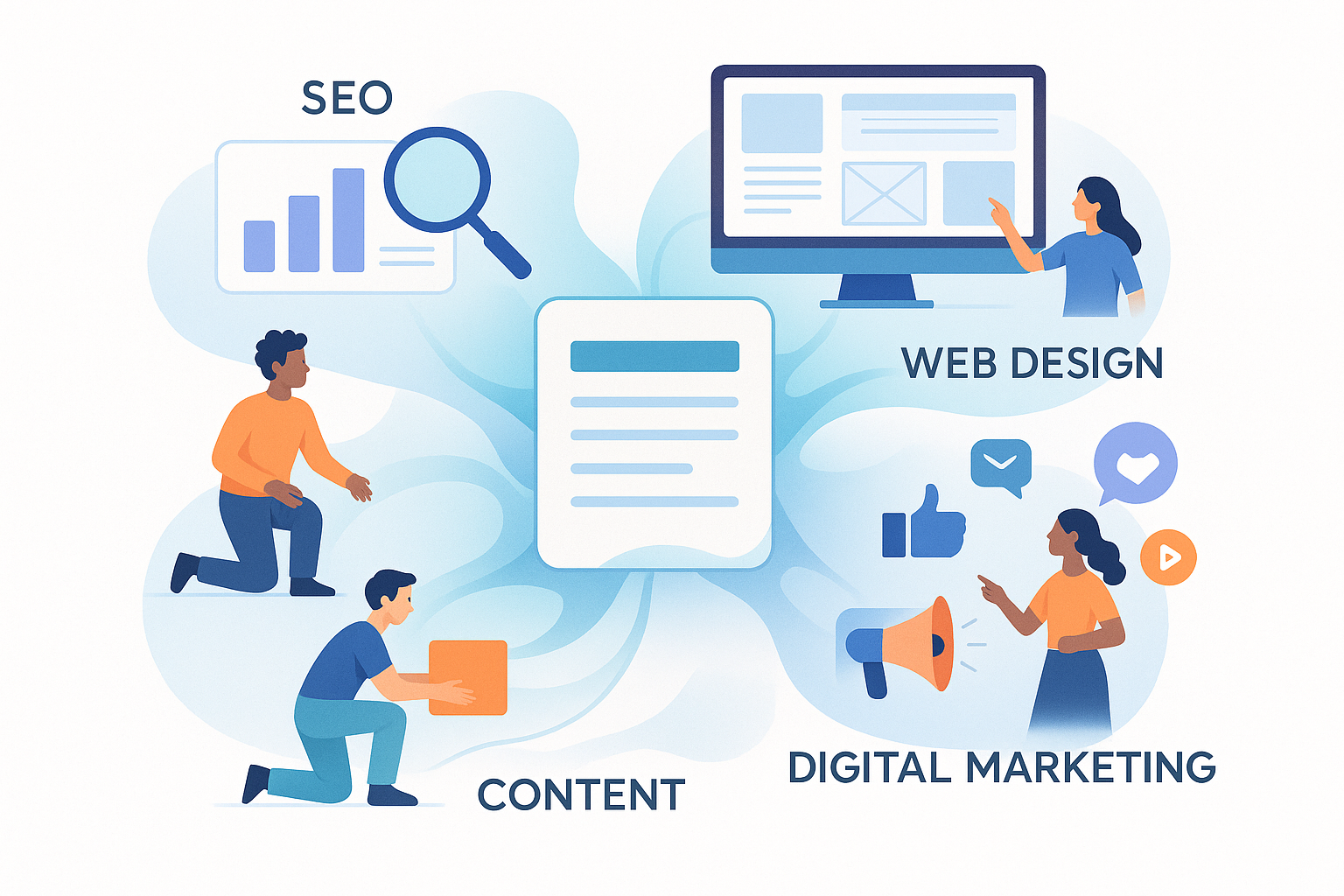
Content connects SEO, web design, and marketing. Good content ranks on Google. It gives you something to share on social media. It fills your email newsletters. It lives on your well-designed website.
Create Content for Every Stage of the Buyer Journey
Not everyone is ready to buy today. Some people are just learning. Others are comparing options. A few are ready to take action.
Create content for each stage:
- Awareness: Blog posts, how-to guides, and videos.
- Consideration: Case studies, comparison pages, and FAQs.
- Decision: Testimonials, pricing pages, and contact forms.
Repurpose Content Across Channels
One blog post can become five social media posts. It can become an email newsletter. It can become a short video. This saves time and keeps your message consistent.
The key is to start with strong, helpful content. Then adapt it for each channel. Your website is always the home base.
Track What Works and Adjust
You cannot improve what you do not measure. Set up tracking from day one. Here are the basics you need.
Key Metrics to Watch
- Organic traffic: How many people find you through search.
- Bounce rate: How many people leave after one page.
- Conversion rate: How many visitors take action.
- Page speed: How fast your pages load.
- Keyword rankings: Where you show up in search results.
Use free tools like Google Analytics and Google Search Console. Check your numbers monthly. Look for patterns and adjust your approach.
Test and Improve
Try different headlines on your pages. Test different calls to action. Change the layout of a landing page. Small changes can lead to big improvements over time.
The goal is steady progress, not perfection. Each month, pick one thing to improve. Over time, these small wins add up.
A Simple Action Plan to Align Everything
Here is a step-by-step plan you can follow today:
- Audit your website. Check speed, mobile design, and site structure. Fix the biggest issues first.
- Do keyword research. Find the terms your customers search for. Map one keyword to each page.
- Update your pages. Add keywords to titles, headings, and meta descriptions. Improve the content on each page.
- Create a content calendar. Plan blog posts, emails, and social media around your keywords.
- Connect your channels. Make sure every campaign links back to your website.
- Set up tracking. Install Google Analytics. Check your results monthly.
For a more detailed roadmap, explore this 12-month content plan for small business growth.
Frequently Asked Questions
What does integrating SEO with web design and marketing mean?
It means building your website, search strategy, and marketing campaigns as one connected system. Each part supports the others. Your website is designed for search engines. Your content is planned around keywords. Your marketing drives traffic back to your site.
Why is SEO-friendly web design important?
Search engines need to crawl and understand your site. If your design blocks them, you will not rank. SEO-friendly web design uses clean code, fast loading, mobile-first layouts, and clear structure. This helps both Google and your visitors.
Can I do SEO and web design at the same time?
Yes, and you should. The best time to add SEO is when you build or redesign your site. Adding SEO later often means redoing work. Plan both together from the start.
How do I choose a professional website design company?
Look for a team that understands both design and SEO. Ask to see examples of sites they have built. Check if those sites rank well on Google. A good partner will talk about speed, structure, and keywords, not just how the site looks.
How long does it take to see results?
SEO results usually take three to six months. Paid ads can show results in days. The key is patience with SEO and consistency with marketing. Over time, the combined effect grows stronger.
What tools do I need to get started?
Start with free tools. Google Analytics tracks your traffic. Google Search Console shows your search performance. Google PageSpeed Insights checks your site speed. These three cover the basics.
Do I need to hire someone or can I do this myself?
You can start on your own with the steps in this guide. Many small business owners handle the basics themselves. As you grow, you may want help with advanced SEO or custom design work. Start small and scale up as needed.
Bringing It All Together
SEO, web design, and marketing are not separate projects. They are parts of one system. When you align them, each part works harder. You get more traffic, better leads, and stronger results.
Start with your website. Make it fast, mobile-friendly, and easy to navigate. Add SEO to every page. Then connect your marketing channels back to your site. Track your results and keep improving.
You do not need to do everything at once. Pick one area from this guide and start today. Small steps lead to big changes. If you want to dive deeper, explore more resources on the blog for practical tips you can use right away.