
Small Business Website Design Checklist for 2026
Your website is your digital storefront. If it loads slowly or looks outdated, visitors leave. That costs you real money every single day.
The good news? You don’t need a huge budget to build a great site. You just need a clear plan and the right checklist to follow.
This guide walks you through every step. From planning to launch, you’ll know exactly what your small business website needs to succeed in 2026.
Why a Website Design Checklist Matters
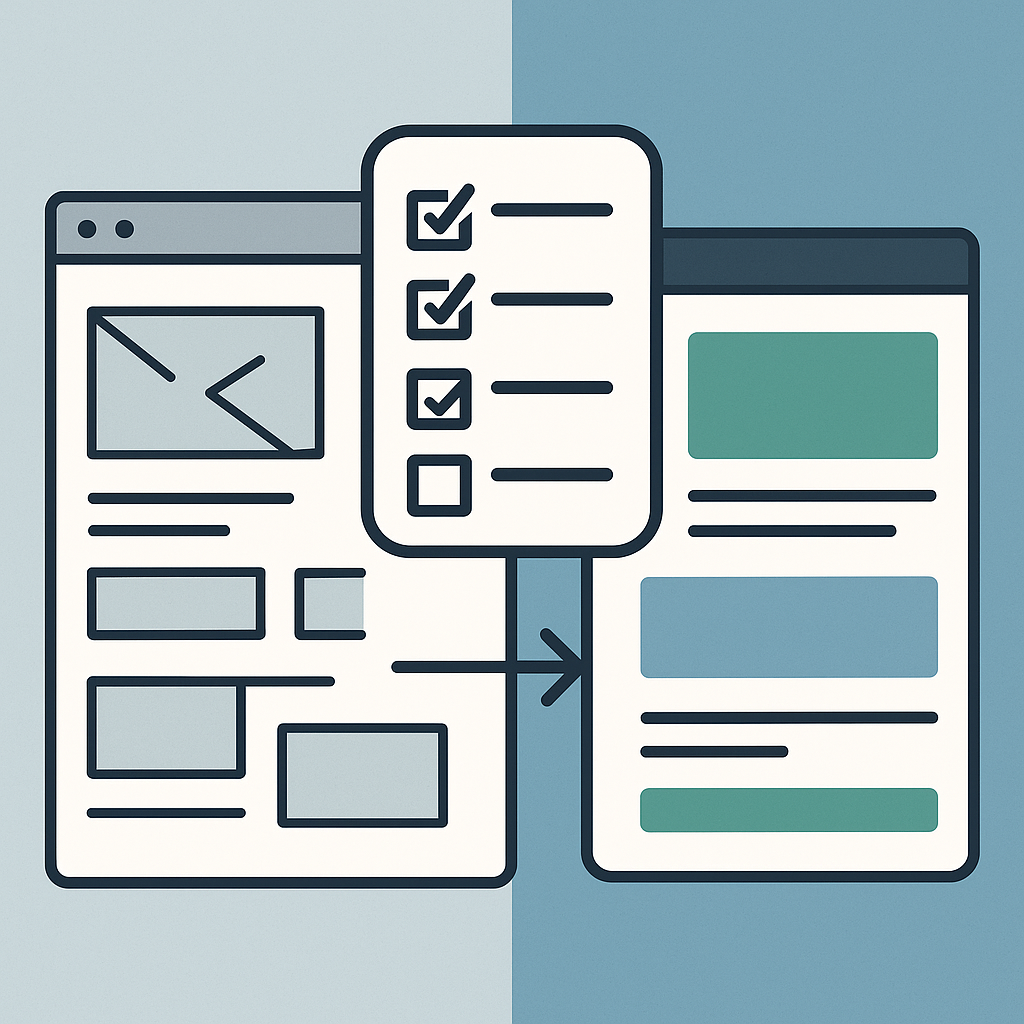
Building a website without a plan leads to problems. You forget key features. You waste time fixing things later. A checklist keeps you on track.
According to HubSpot’s web design research, 75% of people judge a business by its website. First impressions happen in seconds. Your site needs to look sharp and work fast.
A solid small business website design checklist saves you time and money. It also helps you avoid costly mistakes that hurt your brand.
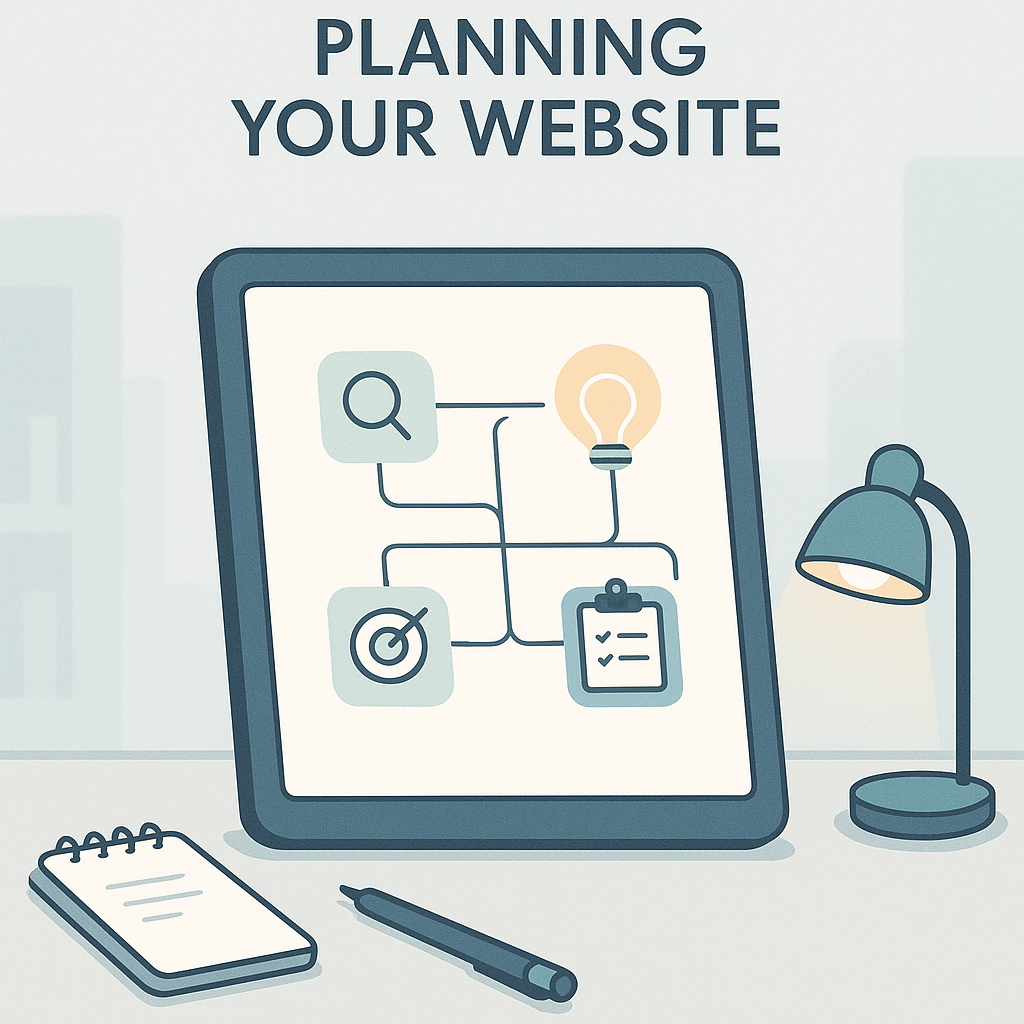
Phase 1: Planning Your Website
Define Your Goals
Start by asking one question. What do you want your website to do? Every business has different needs.
Common website goals include:
- Getting more phone calls or form fills
- Selling products online
- Building trust with new customers
- Sharing helpful content to attract visitors
- Collecting email sign-ups
Pick one or two main goals. Then design every page around those goals.
Know Your Target Audience
Think about who visits your site. What problems do they have? What answers do they need?
Write down three to five traits of your ideal customer. This helps you choose the right words, images, and layout. Your site should speak directly to them.
Map Out Your Site Structure
Plan your pages before you start building. Most small business sites need these pages:
- Home page
- About page
- Services or Products page
- Contact page
- Blog or Resources page
Keep your navigation simple. Visitors should find any page in two clicks or less. For more tips on this topic, check out this guide to web development for small businesses.
Phase 2: Design That Builds Trust

Choose a Clean, Modern Layout
Cluttered websites confuse people. Use plenty of white space. Keep your layout clean and easy to scan.
Stick to two or three colors. Use one or two fonts. This creates a polished, professional look without extra cost.
Build a Strong Brand Identity
Your website should match your brand. Use the same logo, colors, and tone everywhere. This builds trust and helps people remember you.
A strong brand goes beyond your website. Learn more about the key elements of strong brand identity to make yours stand out.
Use High-Quality Images
Blurry or generic stock photos hurt your credibility. Use real photos of your team, products, or workspace when possible.
If you use stock photos, pick ones that look natural. Avoid cheesy poses or overly staged scenes. Free sources like Unsplash or Pexels offer great options.
Make Your Calls to Action Clear
Every page needs a clear next step. Tell visitors what to do. Use buttons with simple text like:
- “Get a Free Quote”
- “Call Us Today”
- “Shop Now”
- “Sign Up Free”
Place these buttons where people can see them. Don’t make visitors hunt for them.
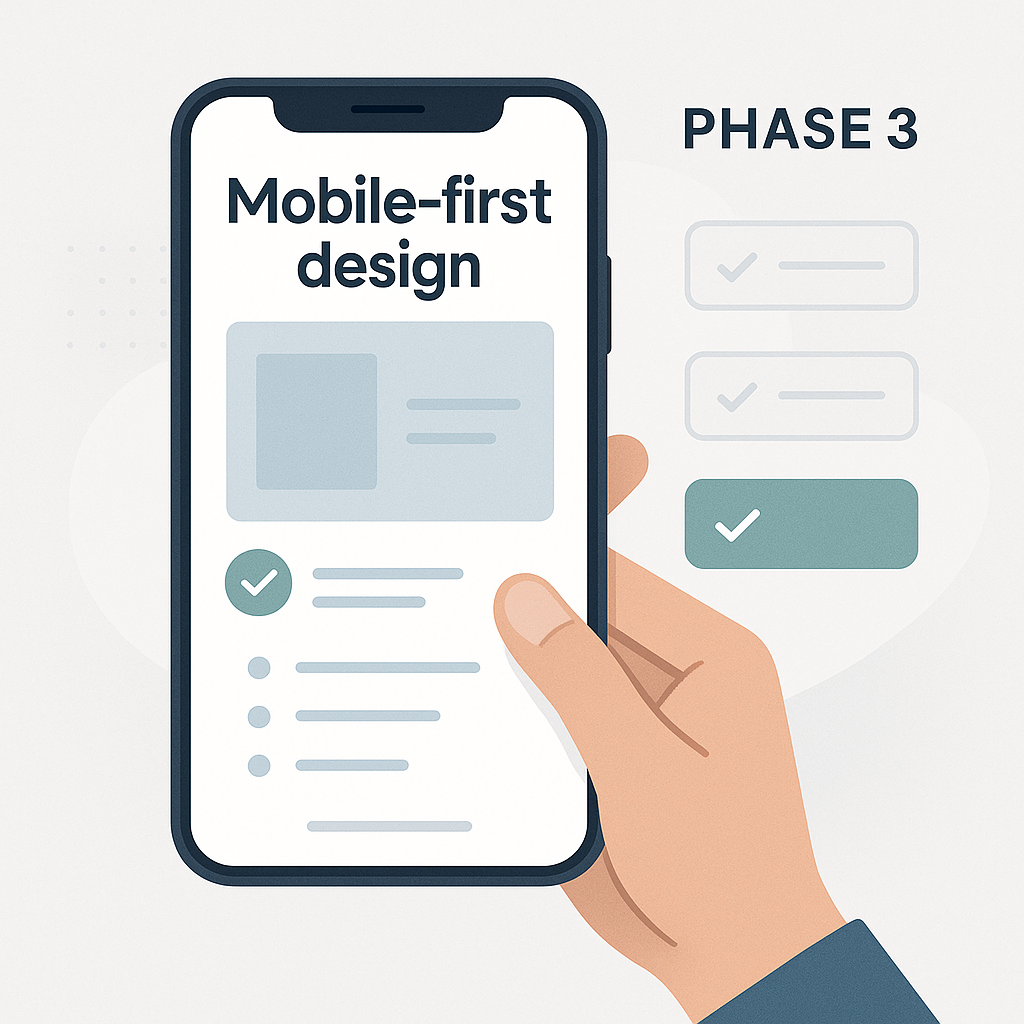
Phase 3: Mobile-First Design
Why Mobile Matters in 2026
More than 60% of web traffic comes from phones. According to Statista’s mobile traffic data, this number keeps growing each year.
If your site doesn’t work well on phones, you lose customers. Google also ranks mobile-friendly sites higher in search results.
Mobile Design Must-Haves
Here’s what your mobile site needs:
- Text that’s easy to read without zooming
- Buttons big enough to tap with a thumb
- Images that resize to fit the screen
- Fast loading times (under 3 seconds)
- A simple menu that’s easy to navigate
Test your site on several devices. Check both phones and tablets. Fix anything that looks off or loads slowly.
Phase 4: Speed and Performance

Why Speed Is Critical
Slow websites kill conversions. A one-second delay can drop conversions by 7%. Visitors expect pages to load in under three seconds.
How to Speed Up Your Site
Follow these steps to make your site faster:
- Compress all images before uploading them
- Use a content delivery network (CDN)
- Pick a reliable hosting provider
- Remove unused plugins or scripts
- Enable browser caching
Use Google’s free PageSpeed Insights tool. It shows exactly what’s slowing your site down. Then fix the biggest issues first.
Phase 5: Search Engine Optimization (SEO) Basics
On-Page SEO Checklist
SEO helps people find your site on Google. Without it, your beautiful website stays invisible. Here are the basics every page needs:
- A unique title tag with your main keyword
- A meta description that makes people want to click
- One H1 heading per page
- Alt text on every image
- Internal links to other pages on your site
- Short, keyword-rich URLs
For a deeper dive, read this on-page and technical SEO checklist built for small businesses.
Local SEO for Small Businesses
If you serve a local area, local SEO is a must. Claim your Google Business Profile. Add your address and phone number to every page.
Use location-based keywords on your site. For example, “plumber in Arlington” works better than just “plumber.” This helps you show up in local search results.
Content That Attracts Visitors
A blog helps your SEO a lot. Write helpful posts that answer common questions. This brings free traffic from search engines over time.
Plan your content ahead. A 12-month content plan keeps you consistent and focused on the right topics.
Phase 6: Security and Trust Signals
SSL Certificate
Your site must have an SSL certificate. This shows the padlock icon in the browser. It also protects your visitors’ data.
Google marks sites without SSL as “Not Secure.” That scares visitors away. Most hosting providers include SSL for free.
Trust Signals That Convert
Add these elements to build trust fast:
- Customer reviews and testimonials
- Industry certifications or awards
- A clear privacy policy
- Real contact info (phone, email, address)
- Links to your social media profiles
People buy from businesses they trust. These small details make a big difference.
Phase 7: Launch and Post-Launch
Pre-Launch Testing
Before you go live, test everything. Check every link. Fill out every form. View every page on different devices.
Here’s your pre-launch checklist:
- All links work correctly
- Forms send to the right email
- Images load on all devices
- Spelling and grammar are correct
- Google Analytics is set up
- Your sitemap is submitted to Google
After You Launch
Launching is just the beginning. Check your site’s data weekly. Look at which pages get the most visits and which ones people leave.
Update your content regularly. Fix broken links. Add new blog posts. A website that stays fresh performs better in search results. According to Google’s helpful content guidelines, fresh and useful content ranks higher.
Frequently Asked Questions
How much does a small business website cost in 2026?
Costs range from $500 for a DIY site to $10,000 or more for a custom build. Your budget depends on your needs. A simple five-page site costs less than an online store with hundreds of products.
How long does it take to build a small business website?
A basic site takes two to four weeks. A more complex site can take two to three months. Planning ahead speeds up the process.
Do I need a blog on my business website?
Yes. A blog helps your SEO and brings free traffic. It also shows customers that you know your industry. Even one post per month makes a difference.
What platform should I use to build my website?
WordPress powers about 40% of all websites. It’s flexible and has thousands of plugins. Shopify works great for online stores. Choose based on your goals.
How do I know if my website is working well?
Track your data with Google Analytics. Look at page views, bounce rate, and conversions. If people leave quickly, something needs to change.
Should I hire a professional or build it myself?
DIY works if you have time and basic tech skills. Hiring a professional website design company saves time and often delivers better results. Weigh your budget against your available time.
How often should I update my website?
Review your site every month. Update content quarterly at minimum. Check for broken links, outdated info, and slow pages regularly.
Wrapping Up Your Website Checklist
A great small business website doesn’t happen by accident. It takes planning, smart design, and ongoing care. Use this checklist to guide every step of the process.
Here are your key takeaways:
- Start with clear goals and a simple site map
- Design for mobile first
- Focus on speed, SEO, and trust signals
- Test everything before you launch
- Keep improving your site after launch
Pick one section from this checklist and start today. Even small improvements add up over time. If you need more guidance, explore our blog for more practical tips on growing your business online.