
Email Automation Workflows for Small Businesses: A Friendly Tutorial
You know email works. But sending every message by hand? That gets old fast. As a small business owner, your time is precious. You need a smarter way to reach your audience.
That’s where email automation workflows for small businesses come in. These workflows send the right message at the right time. They do it without you lifting a finger after setup.
This tutorial walks you through three key areas. You’ll learn segmentation, automation, and reporting. By the end, you’ll have a clear plan to grow your email marketing in 2026.
Why Email Automation Matters in 2026
Email marketing still delivers strong results. According to HubSpot’s latest research, email returns about $36 for every $1 spent. That’s a huge return for any small business.
But here’s the thing. Manual emails take too much time. You end up sending generic blasts that don’t connect with readers.
Automation fixes both problems. It saves you hours each week. It also makes your messages feel personal and timely.
Key Benefits of Email Automation
- Save time: Set up a workflow once. It runs on its own after that.
- Better engagement: Send messages based on what people actually do.
- More sales: Nurture leads without chasing them manually.
- Consistent branding: Every email matches your voice and style.
- Easy tracking: See what works and what doesn’t in real time.
If you want a deeper look at email basics, check out this guide on strategies for effective email marketing campaigns.
Step 1: Build Your Email Segments
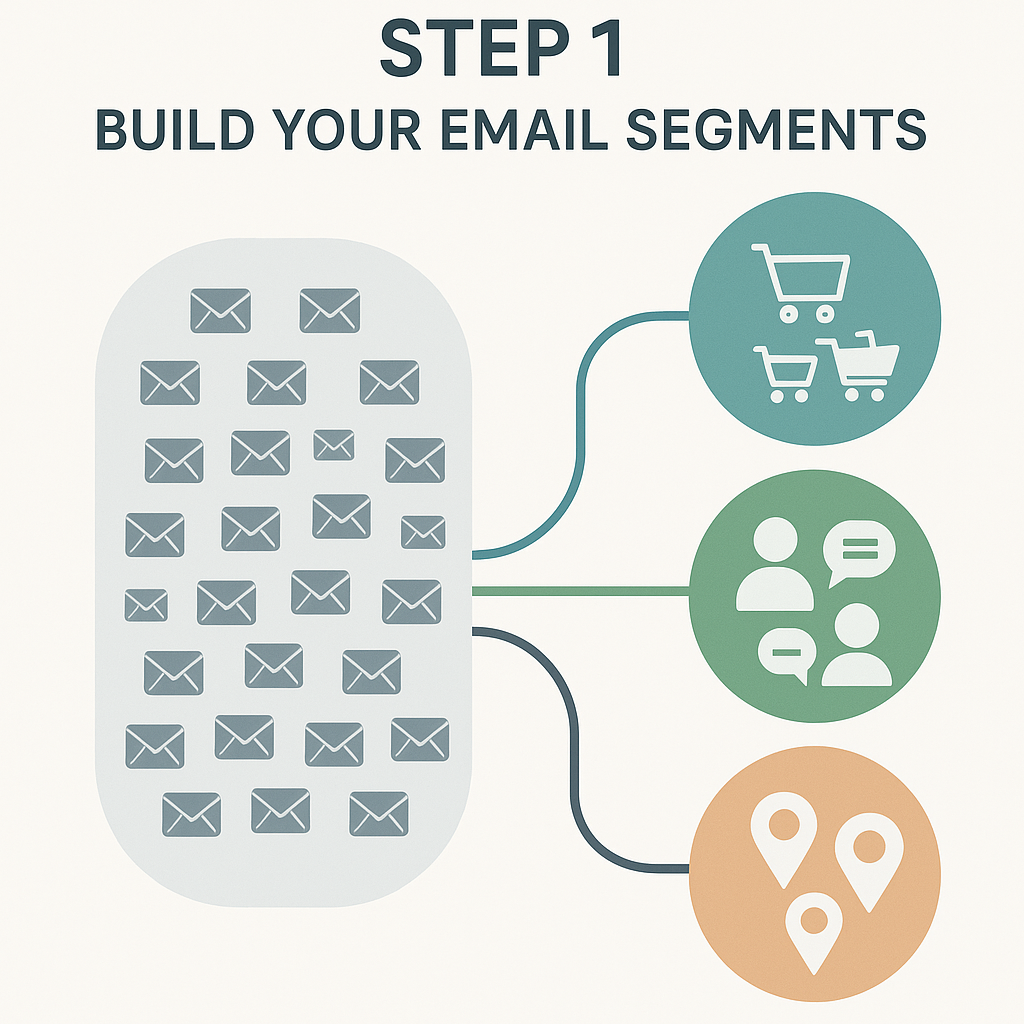
Segmentation means splitting your list into smaller groups. Each group shares something in common. This lets you send more relevant messages.
Think of it this way. A new subscriber needs different info than a loyal customer. Segmentation makes sure each person gets what they need.
Simple Segments Every Small Business Should Use
- New subscribers: People who just joined your list in the last 7 days.
- Active buyers: Customers who purchased in the last 90 days.
- Inactive contacts: People who haven’t opened an email in 60+ days.
- Location-based: Contacts grouped by city, state, or region.
- Interest-based: Groups based on what products or pages they viewed.
How to Set Up Segments
Most email marketing services make this easy. Tools like Mailchimp, Constant Contact, and Brevo have built-in segment builders. You just pick your rules and save.
Start with two or three segments. You can always add more later. The goal is to stop sending the same email to everyone.
Here’s a quick example. Say you run a pet supply shop. You could segment by pet type. Dog owners get dog product emails. Cat owners get cat product emails. Simple, right?
Step 2: Set Up Your Email Automation Workflows
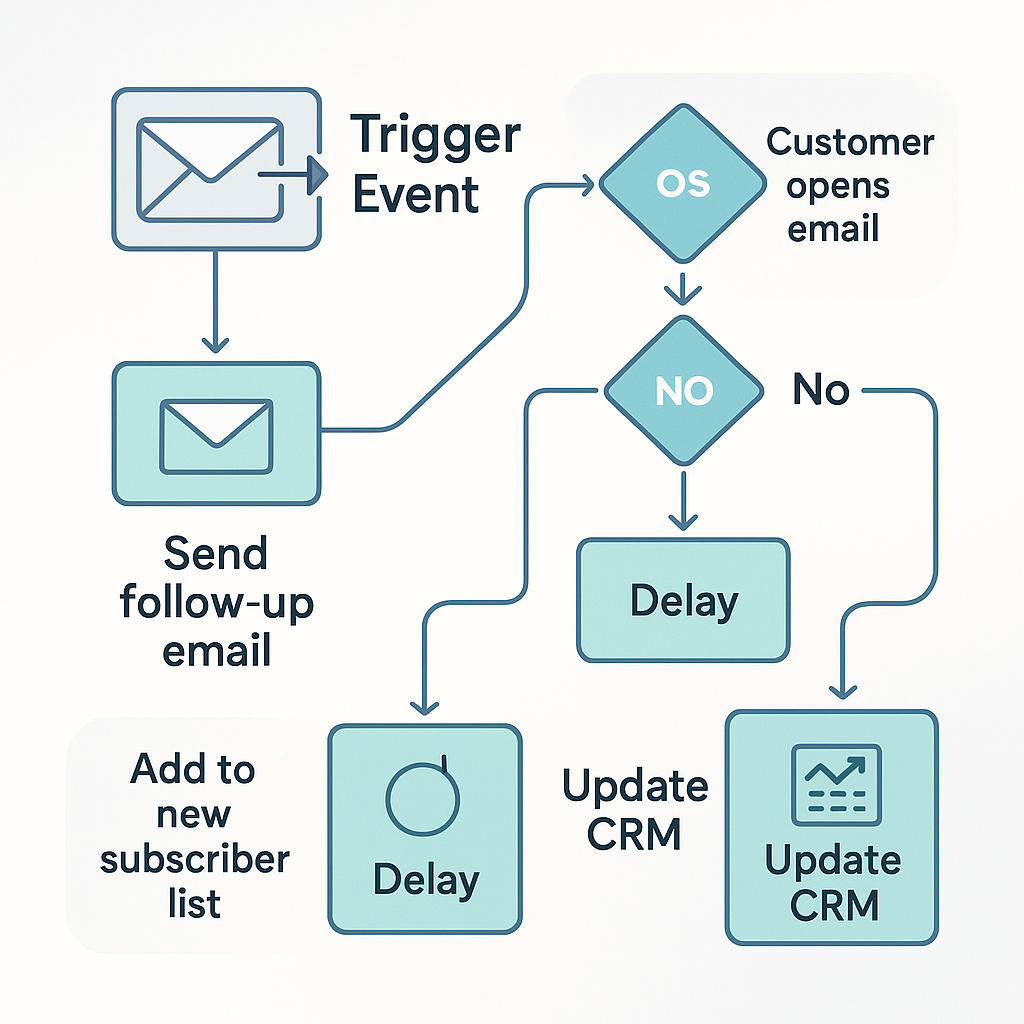
Now comes the fun part. You’ll build workflows that send emails on autopilot. Each workflow has a trigger, a series of emails, and a goal.
The Welcome Workflow
This is the most important workflow you’ll ever build. It greets new subscribers right away. First impressions matter.
Here’s a simple 3-email welcome series:
- Email 1 (Day 0): Say hello. Share your brand story. Deliver any promised freebie or discount.
- Email 2 (Day 2): Share your most popular products or blog posts.
- Email 3 (Day 5): Ask what they’re interested in. Link to a short survey or preference page.
The Abandoned Cart Workflow
This workflow targets people who added items to their cart but didn’t buy. According to Baymard Institute, the average cart abandonment rate is about 70%. That’s a lot of lost revenue you can recover.
A basic abandoned cart series:
- Email 1 (1 hour later): Remind them what they left behind.
- Email 2 (24 hours later): Address common concerns like shipping or returns.
- Email 3 (48 hours later): Offer a small discount or free shipping.
The Re-Engagement Workflow
Some contacts go quiet. That’s normal. A re-engagement workflow tries to win them back.
- Email 1: “We miss you!” Share what’s new since they last visited.
- Email 2: Offer a special deal just for them.
- Email 3: Let them know you’ll remove them if they don’t respond.
This keeps your list clean. It also improves your open rates over time.
The Post-Purchase Workflow
Don’t forget about people after they buy. This workflow builds loyalty and repeat sales.
- Email 1 (Day 1): Thank them for their order. Share tracking info.
- Email 2 (Day 7): Ask for a review or feedback.
- Email 3 (Day 14): Suggest related products they might like.
Want to learn how email fits into your bigger marketing picture? Read this post on how email marketing for small businesses boosts conversions.
Step 3: Track and Improve with Reporting
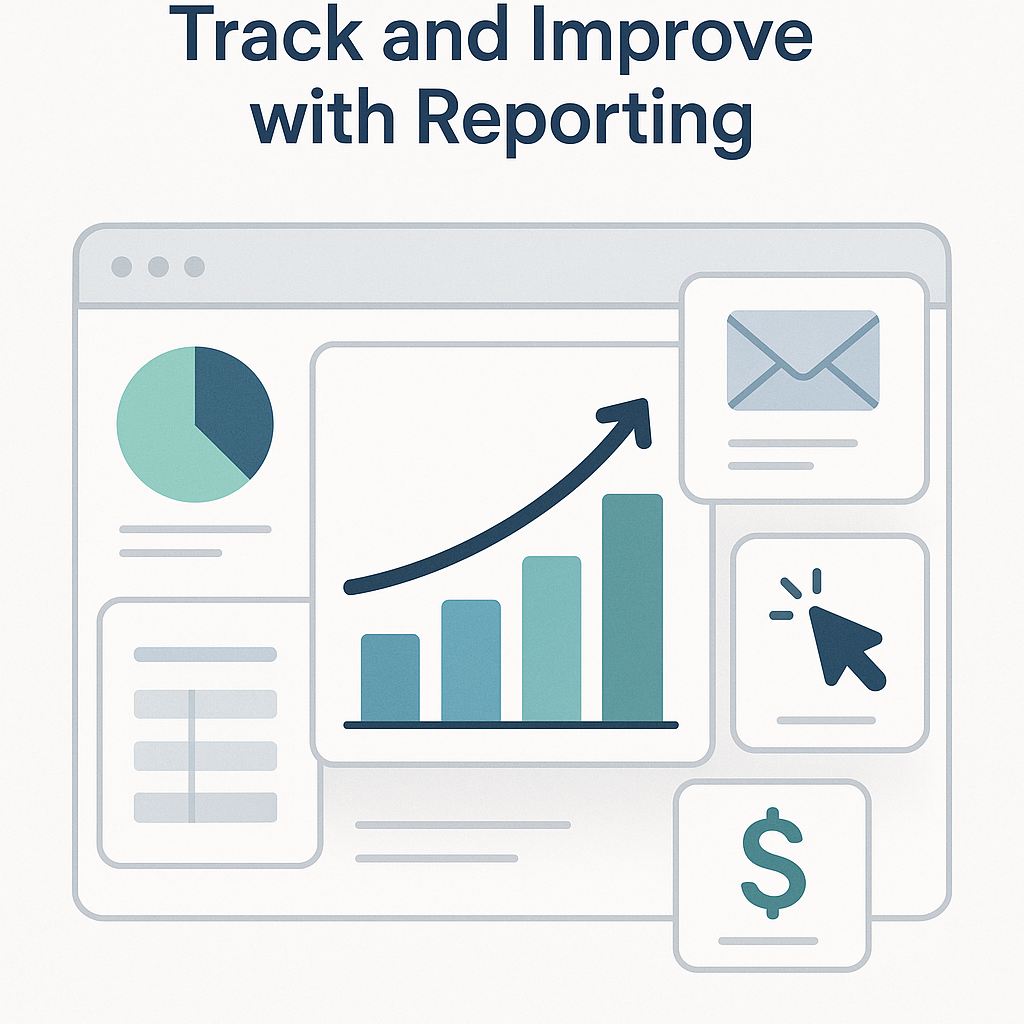
Setting up workflows is only half the job. You also need to track results. Reporting shows you what’s working and what needs fixing.
Key Metrics to Watch
- Open rate: The percentage of people who open your email. Aim for 20% or higher.
- Click-through rate (CTR): The percentage who click a link. A good CTR is 2-5%.
- Conversion rate: The percentage who take your desired action, like buying.
- Unsubscribe rate: Keep this below 0.5% per email.
- Bounce rate: Emails that didn’t reach the inbox. Clean your list to lower this.
How to Use Your Data
Check your reports weekly. Look for patterns. If open rates drop, test new subject lines.
If clicks are low, try different calls to action. Maybe your button text needs to be clearer. Or your content doesn’t match the subject line.
A/B testing is your best friend here. Test one thing at a time. Subject lines, send times, and email length are great starting points.
Choosing the Right Email Marketing Tools
You don’t need expensive software. Many email marketing services offer free or low-cost plans for small lists. Here are some popular options in 2026:
- Mailchimp: Great for beginners. Free up to 500 contacts.
- Brevo (formerly Sendinblue): Strong automation features at low cost.
- Constant Contact: Easy to use with good support.
- Kit (formerly ConvertKit): Built for creators and small brands.
Pick a tool that fits your budget and skill level. Most offer free trials so you can test before you commit.
Tips for Better Email Automation Workflows for Small Businesses
Here are some quick wins to improve your results:
- Keep emails short. Aim for 150-200 words per email in a workflow.
- Use one clear call to action. Don’t confuse readers with too many links.
- Write like a human. Skip the corporate speak. Be friendly and direct.
- Send at the right time. Test different days and times for your audience.
- Stay consistent. Don’t go silent for weeks, then flood inboxes.
Email is just one piece of your small business digital marketing puzzle. For a bigger picture, explore this 12-month content plan for small business growth.
Common Mistakes to Avoid
Even simple workflows can go wrong. Watch out for these pitfalls:
- Not testing before launch: Always send test emails to yourself first.
- Skipping mobile design: Over 60% of emails are opened on phones. Make sure yours look good on small screens.
- Ignoring unsubscribes: If people leave, study why. Your content might not match their expectations.
- Too many emails: Don’t overwhelm people. Two to four emails per month is a good starting point.
- No personalization: Use first names and past purchase data when you can.
Frequently Asked Questions
What are email automation workflows for small businesses?
They are pre-built email sequences that send automatically. Each workflow has a trigger, like a new signup or a purchase. The emails go out on a set schedule without manual work.
How much does email automation cost?
Many tools offer free plans for small lists. Paid plans usually start at $10-$30 per month. The cost grows as your list gets bigger.
How many emails should be in a workflow?
Most workflows have 3-5 emails. A welcome series might have 3 emails. A longer nurture sequence could have 5-7. Keep each email focused on one topic.
What’s the best email marketing service for small businesses in 2026?
It depends on your needs. Mailchimp is great for beginners. Brevo offers strong automation at a low price. Kit works well for content creators. Try free trials to find your fit.
How do I know if my email workflows are working?
Watch your key metrics. Open rates, click rates, and conversions tell the story. Compare results month over month. If numbers improve, you’re on the right track.
Can I use email automation with a small list?
Yes! Even a list of 100 people benefits from automation. In fact, starting early helps you build good habits. You’ll be ready to scale when your list grows.
How does email fit into online marketing services for small businesses?
Email works best alongside other channels. Pair it with social media, SEO, and content marketing. Together, they create a full digital marketing strategy. Learn more about combining channels in this guide to developing a content strategy.
Wrapping Up: Your Next Steps
Email automation workflows for small businesses aren’t just for big brands. They’re for anyone who wants to save time and connect with customers. You now have a clear roadmap to get started.
Here’s your action plan. First, segment your list into 2-3 groups. Next, build a simple welcome workflow. Then, track your results and improve over time.
You don’t need to do everything at once. Start with one workflow this week. Add more as you get comfortable. Small steps lead to big results in email marketing. If you’d like more tips and tutorials, explore more resources on our blog.