
How to Start Integrating Online Marketing Tools for Small Businesses
Growing a small business is exciting. But it can also feel overwhelming. You know you need to market online, yet the number of tools and channels keeps growing.
The good news? You don’t need to do everything at once. This guide walks you through integrating online marketing tools for small businesses step by step. You’ll learn what to focus on first and how to connect your efforts so they work together.
Think of this as a friendly roadmap. Whether you’re a small business owner wearing many hats or a marketing manager building a lean strategy, you’ll find clear actions you can take today.
Why Integrating Online Marketing Tools Matters
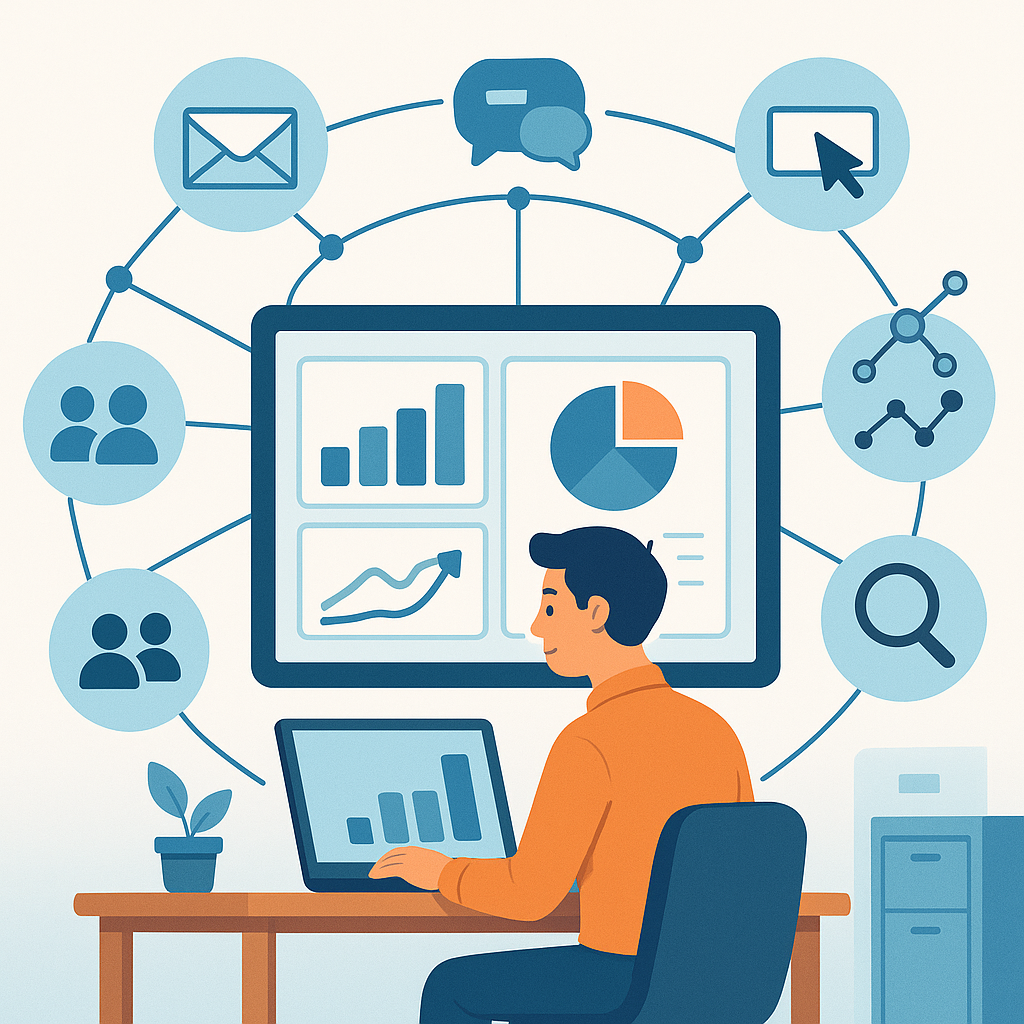
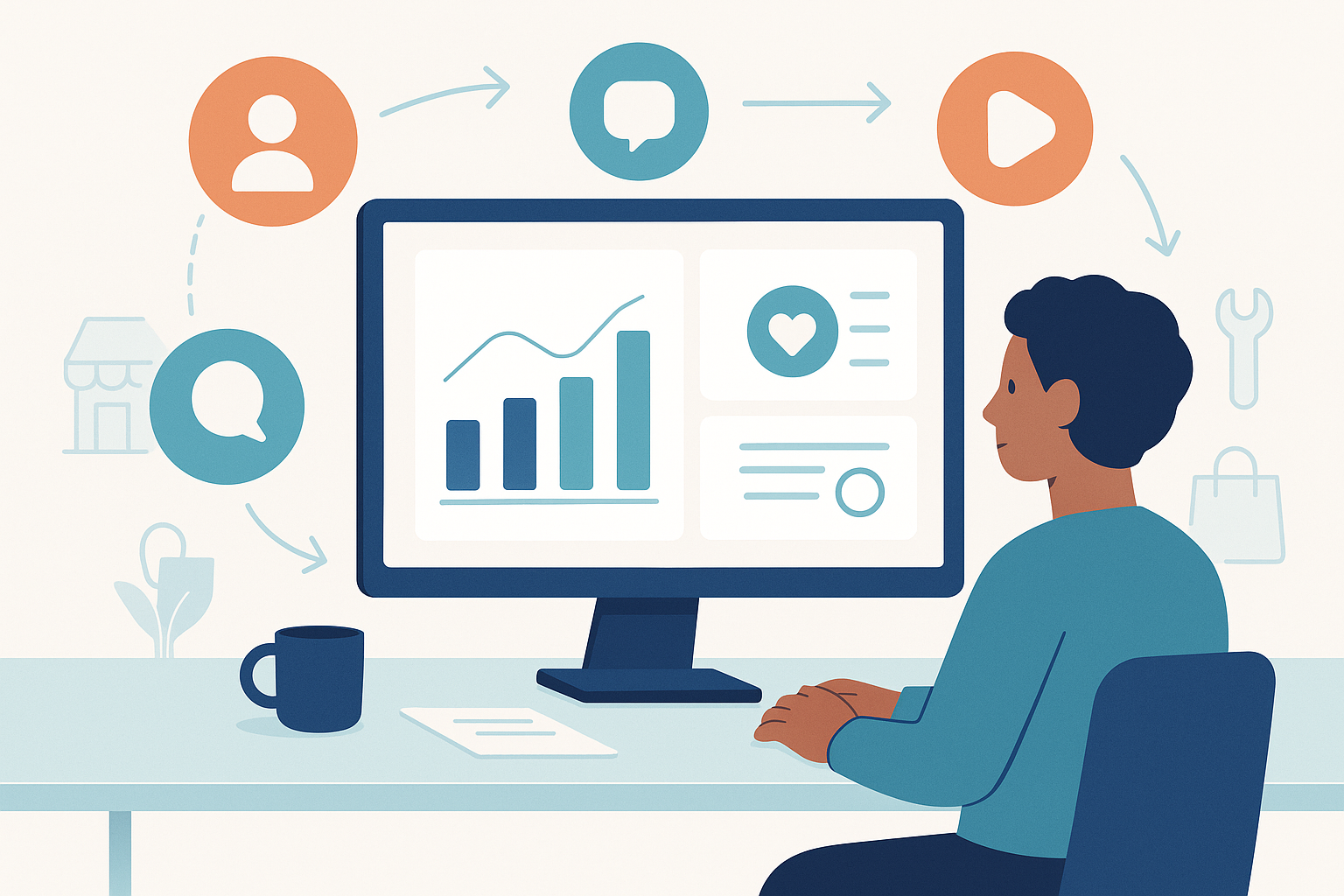
Many small businesses use a few marketing tools. But those tools often run in silos. Your email platform doesn’t talk to your social media. Your website doesn’t connect to your ads.
When tools work apart, you waste time and money. You also miss chances to reach the right people at the right time. Integration fixes this.
Here’s what happens when your tools work together:
- You see all your data in one place.
- You send the right message to the right audience.
- You save hours each week on manual tasks.
- You spot what’s working faster.
- You scale without hiring a big team.
According to HubSpot’s marketing research, businesses that connect their tools see better lead tracking and higher returns. That’s a big deal for small teams with tight budgets.
Step 1: Build a Strong Website Foundation
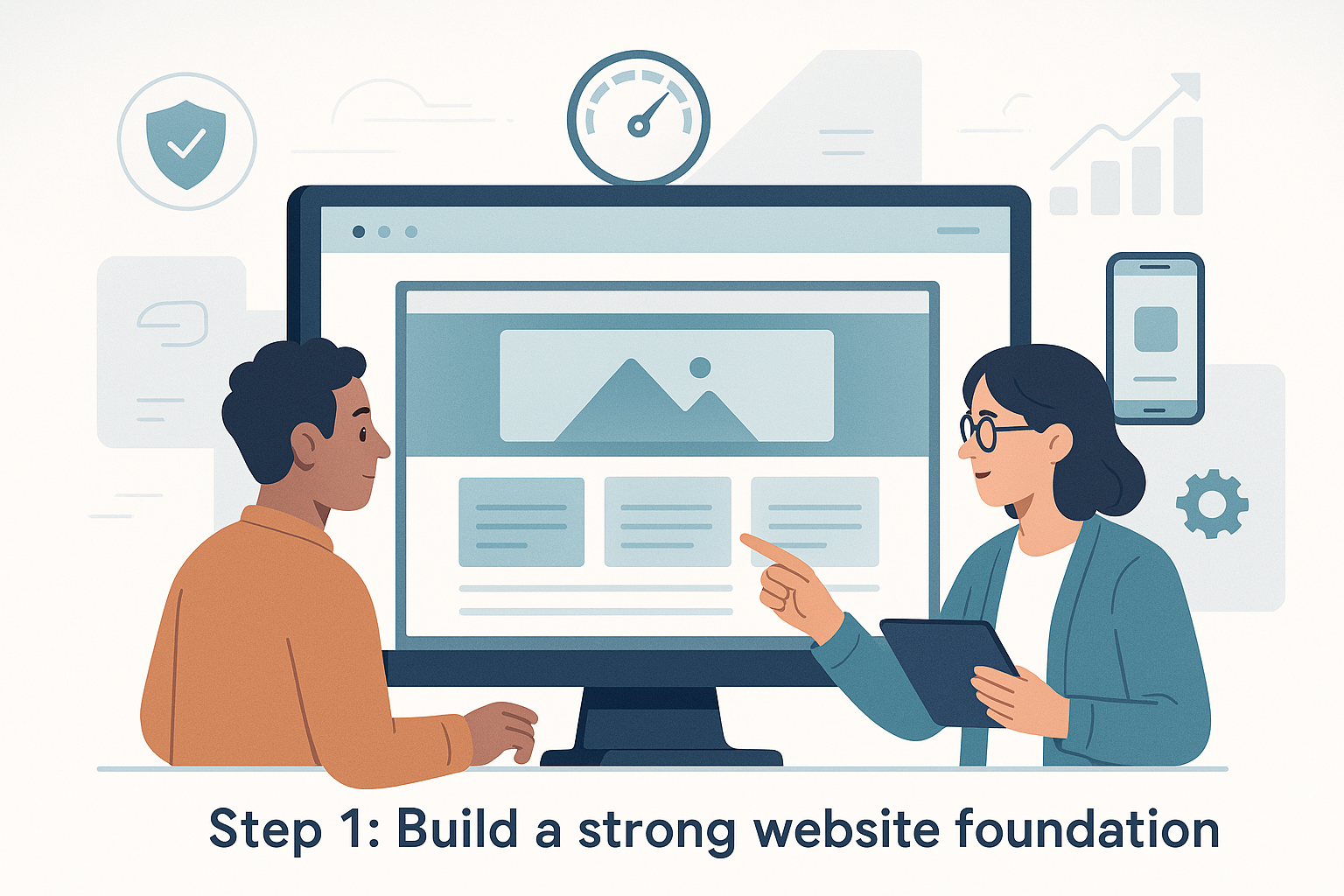
Your website is the hub of your online marketing. Every tool you add should connect back to it. Before adding more channels, make sure your site is solid.
Key Website Basics
- Fast load times (under three seconds).
- Mobile-friendly design.
- Clear calls to action on every page.
- Easy navigation for visitors.
- Basic Search Engine Optimization (SEO) in place.
If your site needs work, check out this practical guide to small business website design. A good site makes every other marketing tool more effective.
Step 2: Set Up SEO as Your Long-Term Engine
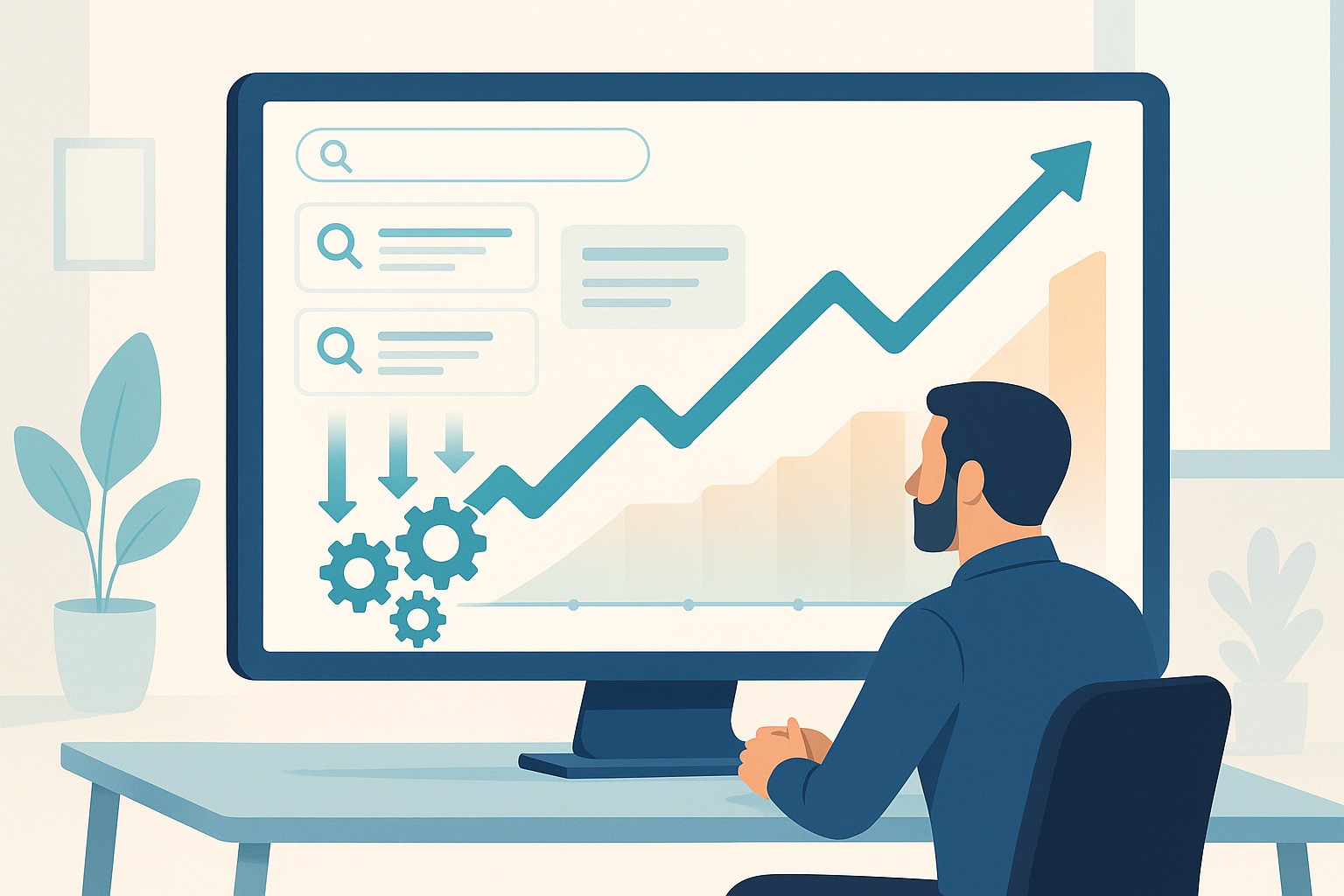
SEO helps people find you through search engines like Google. It takes time to build, but the results compound. Think of it as planting seeds that grow over months.
Where to Start with SEO
- Research keywords your customers actually search for.
- Add those keywords to your page titles and headings.
- Write helpful content that answers real questions.
- Fix technical issues like broken links and slow pages.
- Build local listings if you serve a specific area.
You can learn more about the basics in this step-by-step SEO audit guide. Even small improvements can move the needle.
Many businesses wonder whether to invest in SEO or paid ads. The truth is, both have a role. This comparison of PPC vs. SEO can help you decide where to put your budget first.
Step 3: Connect Email Marketing to Your Funnel
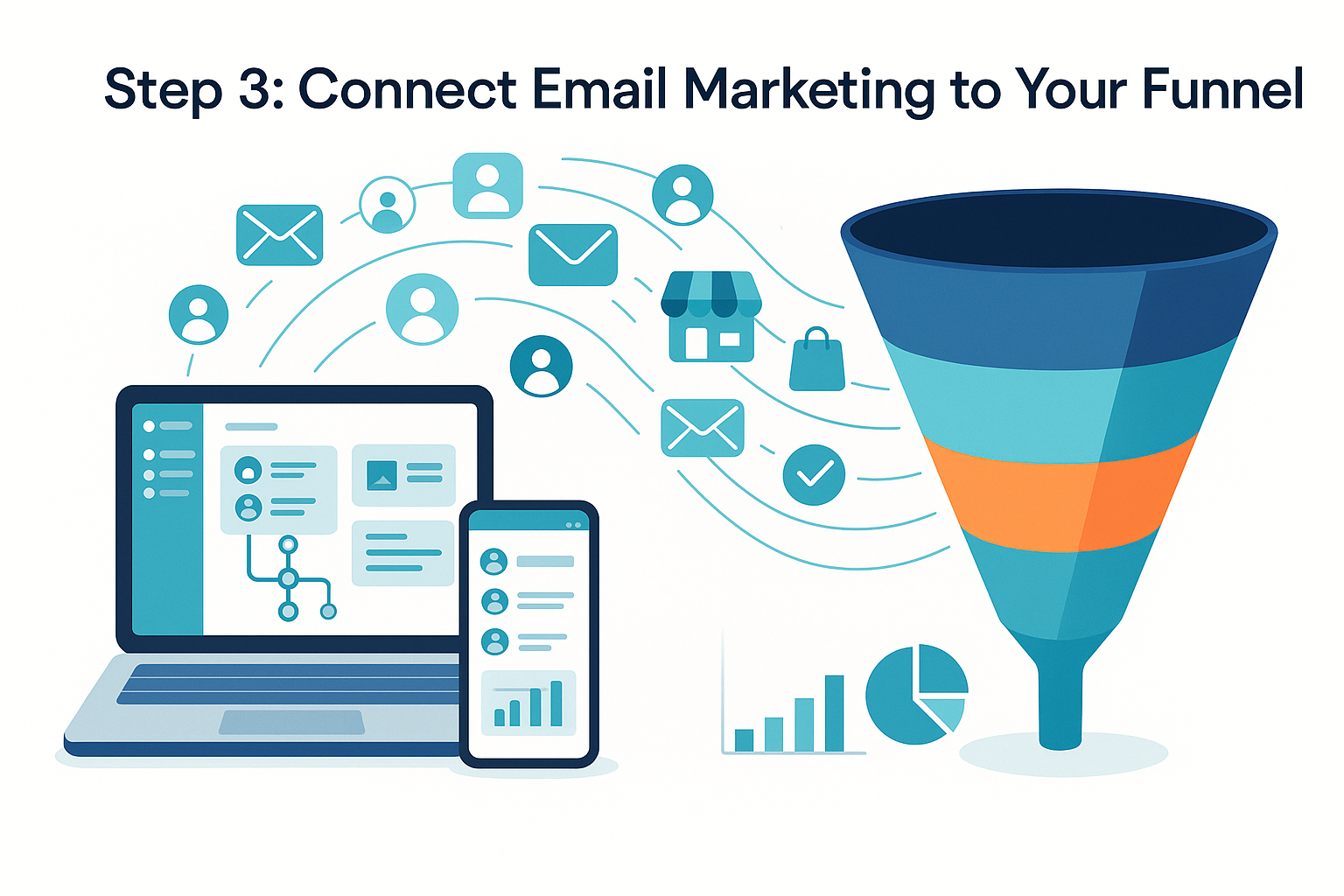
Email is still one of the best marketing channels. It’s personal, direct, and affordable. But it works best when it connects to your other tools.
How to Integrate Email the Right Way
- Add sign-up forms to your website and blog.
- Tag subscribers based on how they found you.
- Set up welcome sequences for new sign-ups.
- Send content based on what people clicked before.
- Track which emails drive website visits and sales.
When your email tool connects to your website and CRM, you see the full picture. You know who opened what, clicked where, and bought when. That data helps you send better emails over time.
For more on this topic, read about how email marketing boosts conversions for small businesses.
Step 4: Add Social Media with Purpose
Social media can eat up your time fast. The key is to pick one or two platforms and do them well. Don’t try to be everywhere.
Choosing the Right Platform
Ask yourself these questions:
- Where do my customers spend their time?
- What type of content can I create consistently?
- Do I sell to other businesses or to consumers?
If you sell to other businesses, LinkedIn may be your best bet. If you sell to consumers, Instagram or Facebook often work well. The platform matters less than showing up regularly with helpful content.
Connecting Social Media to Your Other Tools
Use a scheduling tool to plan posts in advance. Link your social profiles to your website analytics. Track which posts send visitors to your site. This way, social media becomes part of your system, not a random activity.
Step 5: Use Paid Ads to Speed Up Results
SEO and content take time. Paid ads give you faster visibility. But they cost money, so you need to be smart about it.
Tips for Small Business Paid Ads
- Start with a small daily budget (even $10-$20).
- Target specific keywords or audiences.
- Send ad traffic to a focused landing page.
- Test two versions of each ad.
- Check results weekly and cut what doesn’t work.
The magic happens when your ads connect to your email list and CRM. Someone clicks your ad, lands on your page, signs up for your email, and enters your funnel. That’s integration in action.
Step 6: Track Everything in One Dashboard
Data is only useful if you can see it clearly. Set up a simple dashboard that shows your key numbers. Google Analytics is free and works well for most small businesses.
Numbers Worth Tracking
- Website visitors per month.
- Where your traffic comes from.
- Email open and click rates.
- Cost per lead from paid ads.
- Conversion rate on key pages.
According to Google Analytics documentation, connecting your ad accounts and search console gives you a fuller view of your marketing performance. This helps you make better decisions with less guesswork.
When to Work with a Digital Marketing Agency
You can do a lot on your own. But there comes a point where outside help makes sense. A digital marketing agency can save you time and bring skills you don’t have in-house.
Signs You Might Need Help
- You’re spending more time on marketing than running your business.
- Your results have hit a plateau.
- You need help with technical tasks like SEO audits or ad setup.
- You want a clear strategy but don’t know where to start.
Digital marketing consulting services can also help. A consultant reviews what you’re doing, spots gaps, and gives you a plan. You still do the work, but with expert guidance.
The right partner won’t push you into things you don’t need. They’ll focus on what moves the needle for your specific business.
Common Mistakes to Avoid
As you start integrating online marketing tools for small businesses, watch out for these traps:
- Buying too many tools at once. Start simple. Add tools as you need them.
- Skipping the strategy step. Tools without a plan just create noise.
- Ignoring your data. Check your numbers at least once a week.
- Trying to copy big brands. Your budget and audience are different. Play your own game.
- Forgetting about mobile. Most people browse on their phones. Make sure everything works on small screens.
A Simple Integration Roadmap
Here’s a quick plan you can follow:
- Month 1: Fix your website and set up basic SEO.
- Month 2: Start an email list and create a welcome sequence.
- Month 3: Pick one social media platform and post weekly.
- Month 4: Test a small paid ad campaign.
- Month 5: Connect all tools and review your dashboard.
- Month 6: Double down on what’s working. Cut what isn’t.
Want a more detailed plan? This 12-month content plan for small business growth breaks things down even further.
Frequently Asked Questions
What does integrating online marketing tools mean?
It means connecting your different marketing tools so they share data and work together. For example, linking your email platform to your website so you can track which emails drive sales.
How much should a small business spend on online marketing?
Most small businesses spend 5-10% of their revenue on marketing. Start with what you can afford. Focus on free tools first, then add paid options as you grow.
Do I need a digital marketing agency to get started?
Not right away. You can do a lot on your own with free tools. But a digital marketing agency or consultant can speed things up when you’re ready to scale.
Which marketing tool should I set up first?
Start with your website and basic SEO. Everything else builds on top of a solid website. Without it, your other tools won’t perform as well.
How long does it take to see results?
Paid ads can show results in days. SEO and content marketing usually take three to six months. Email marketing results depend on your list size and how often you send.
What’s the difference between a digital marketing agency and consulting services?
An agency usually does the work for you. Digital marketing consulting services give you advice and a plan, but you handle the tasks. Both can be valuable depending on your needs.
Can I integrate tools without technical skills?
Yes. Most modern tools offer simple connections. Platforms like Zapier let you link tools without writing any code. Many tools also have built-in integrations you can turn on with a click.
Wrapping Up
Integrating online marketing tools for small businesses doesn’t have to be hard. Start with the basics. Build one layer at a time. Connect your tools so they share data and save you time.
The businesses that grow fastest aren’t the ones using the most tools. They’re the ones using a few tools really well, all working together toward the same goal.
Take your first step today. Pick one area from this guide and start there. If you want more ideas, explore the blog for more practical guides on growing your business online.