
Paid Search Campaign Optimization Tips for Small Business
Running a small business means every dollar counts. You want leads, but you can’t afford to waste money on clicks that go nowhere. That’s where smart paid search comes in.
Pay per click (PPC) advertising lets you show ads to people who are already searching for what you sell. But without the right setup, your budget can disappear fast. This guide gives you real, hands-on tips to get more from every ad dollar in 2026.
Whether you’re brand new to PPC or looking to sharpen your current campaigns, you’ll walk away with clear steps you can use today. Let’s dive in.
What Is Paid Search and Why Does It Matter?
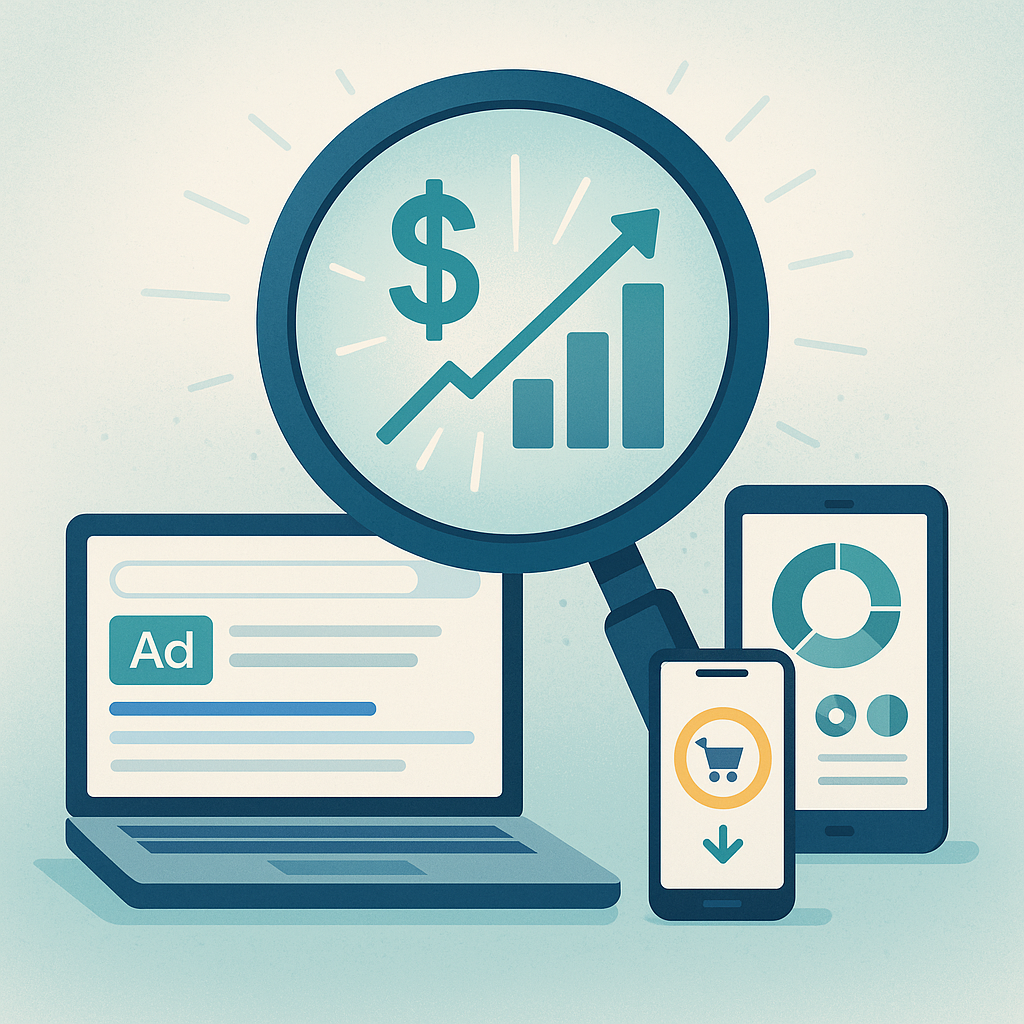
Paid search means buying ads that appear on search engine results pages. You bid on keywords your customers type into Google or Bing. You only pay when someone clicks your ad.
This model is powerful for small businesses. You reach people with buying intent right when they need you. According to, businesses earn an average of $2 in revenue for every $1 spent on Google Ads.
If you’re still deciding between organic and paid traffic, check out this helpful comparison of PPC vs. SEO and which is right for your business.
Set Clear Goals Before You Spend a Dime
The first paid search campaign optimization tip for small business owners is simple. Know what you want before you start. Vague goals lead to wasted budgets.
Ask yourself these questions:
- Do I want phone calls, form fills, or online sales?
- What is one lead worth to my business?
- How much can I spend per day or per month?
Write down your answers. These numbers guide every decision you make next. Without them, you’re flying blind.
Choose the Right Keywords on a Budget
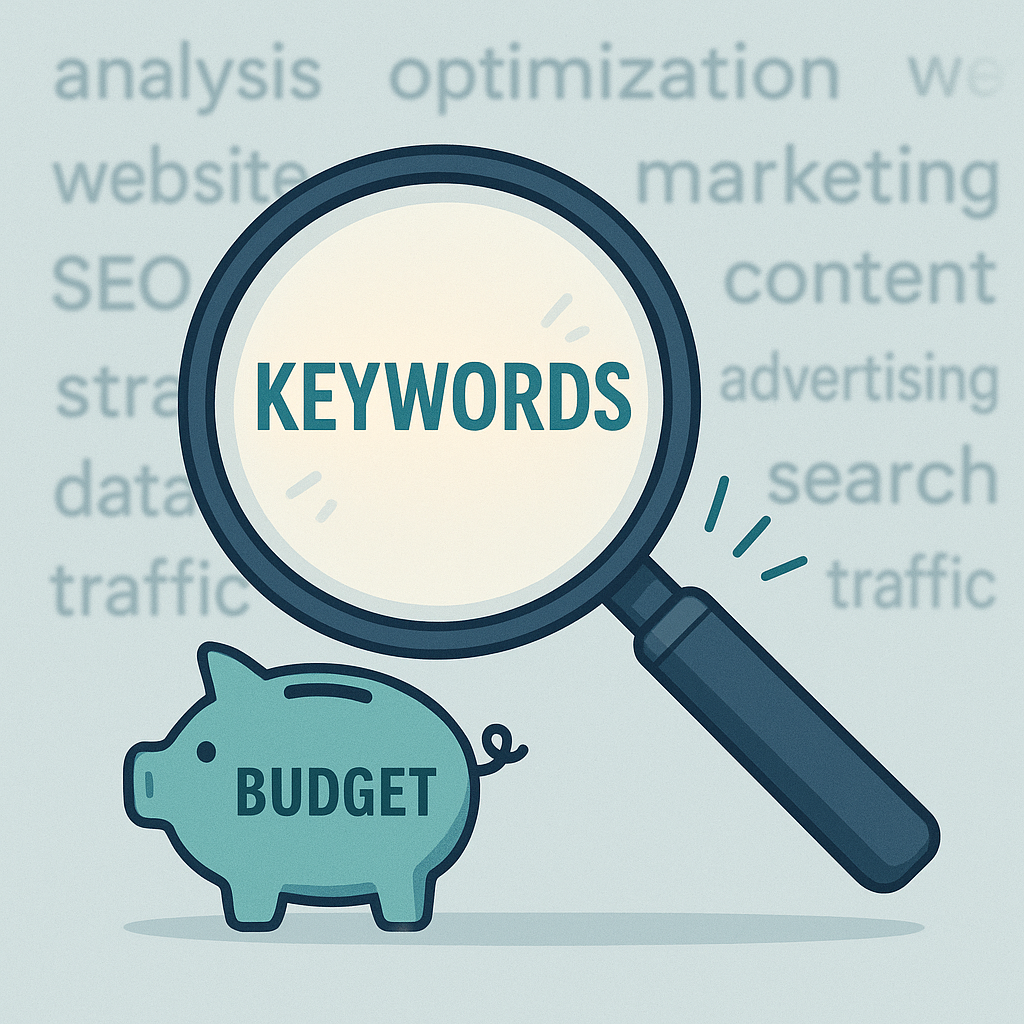
Focus on Long-Tail Keywords
Short keywords like “plumber” are expensive and broad. Long-tail keywords like “emergency plumber in Arlington VA” cost less. They also attract buyers who are closer to making a decision.
Use free tools like Google Keyword Planner to find these gems. Look for keywords with decent search volume and low competition.
Use Negative Keywords to Save Money
Negative keywords stop your ads from showing for the wrong searches. For example, if you sell premium dog food, add “free” as a negative keyword. This keeps bargain hunters from clicking your ad.
Review your search terms report every week. Add new negative keywords as you spot irrelevant clicks. This one habit can save you hundreds each month.
Match Types Matter
Google offers different keyword match types:
- Broad match — reaches the widest audience but less control
- Phrase match — shows ads for searches that include your phrase
- Exact match — shows ads only for that specific search
Start with phrase and exact match. They give you more control over who sees your ads. You can test broad match later once you have more data.
Write Ads That Get Clicks and Conversions
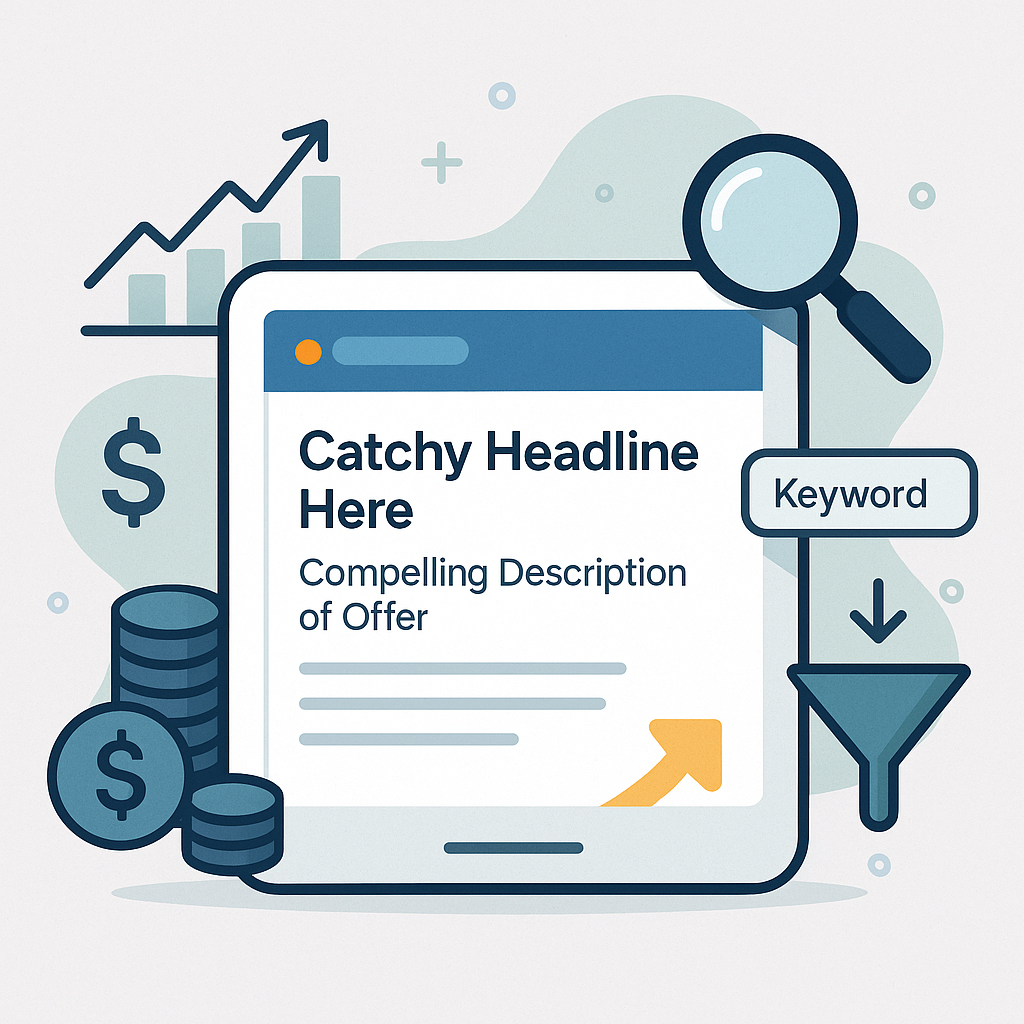
Your ad copy is your first impression. Make it count. Here are tips that work in 2026:
- Put your main keyword in the headline
- Highlight what makes you different (free shipping, same-day service, etc.)
- Include a clear call to action like “Get a Free Quote” or “Shop Now”
- Use numbers when possible — “Save 20%” beats “Save Money”
Write at least three ad versions per ad group. Google will rotate them and show the best performer more often. This is a simple way to improve results over time.
Build Landing Pages That Convert
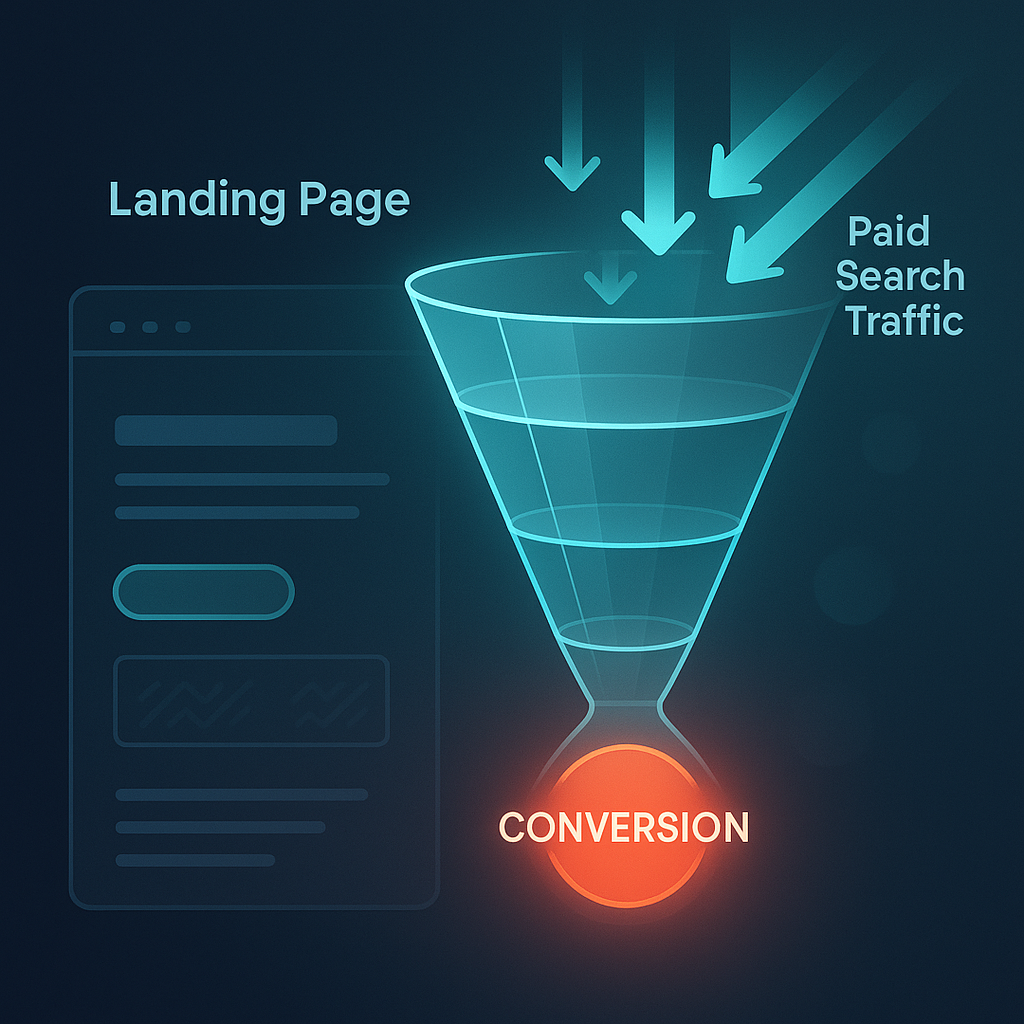
Sending ad traffic to your homepage is a common mistake. Your landing page should match the promise in your ad. If your ad says “Free Roof Inspection,” the landing page must say the same thing.
Great landing pages share these traits:
- One clear headline that matches the ad
- A short form or obvious call-to-action button
- Fast load speed (under 3 seconds)
- Mobile-friendly design
- Trust signals like reviews or badges
Need help with your website? This guide on small business website design tips covers the basics well.
Set Your Budget and Bidding Strategy
Start Small and Scale Up
You don’t need a huge budget to start. Even $10 to $20 per day can give you useful data. Run your campaign for two to four weeks before making big changes.
Track your cost per lead closely. If a lead is worth $50 to your business, aim to spend less than that per conversion.
Pick the Right Bidding Strategy
Google Ads offers several bidding options in 2026:
- Manual CPC — you set the max cost per click yourself
- Maximize conversions — Google adjusts bids to get the most conversions
- Target CPA — you set a target cost per action and Google aims for it
Start with manual CPC so you control spending. Once you have 30 or more conversions, switch to an automated strategy. The algorithm needs data to work well.
Track Everything With Conversion Tracking
This step is non-negotiable. Without conversion tracking, you can’t tell which keywords or ads bring real results. You’re just guessing.
Set up these tracking basics:
- Install the Google Ads conversion tag on your thank-you page
- Link Google Ads to Google Analytics 4
- Track phone calls using call tracking or Google’s call extensions
- Set up goal values so you can measure return on ad spend
According to Search Engine Journal’s PPC guide, businesses that track conversions properly see 30% better campaign performance on average.
Improve Your Quality Score
Google assigns a Quality Score to each keyword. It ranges from 1 to 10. Higher scores mean lower costs and better ad positions.
Three factors affect your Quality Score:
- Expected click-through rate — will people click your ad?
- Ad relevance — does your ad match the keyword?
- Landing page experience — is your page helpful and fast?
Improving Quality Score is one of the best paid search campaign optimization tips for small business. It lets you pay less for the same (or better) results. For a deeper dive, read this practical guide on how to improve PPC ad spend.
Use Ad Extensions to Stand Out
Ad extensions add extra info to your ads at no extra cost. They make your ad bigger and more clickable. Use these extensions:
- Sitelink extensions — link to specific pages on your site
- Call extensions — show your phone number
- Location extensions — display your business address
- Callout extensions — highlight perks like “Free Estimates”
Ads with extensions get up to 15% more clicks. That’s a free boost you shouldn’t ignore.
Review and Adjust Weekly
PPC is not a set-it-and-forget-it channel. You need to check in regularly. Here’s a simple weekly routine:
- Check your search terms report and add negative keywords
- Pause low-performing ads and keywords
- Adjust bids on your best-performing keywords
- Test new ad copy variations
- Review your budget pacing
Spend 30 minutes each week on this. Small tweaks add up to big savings over time.
When to Consider PPC Management Services
Managing pay per click advertising services on your own works great at first. But as your campaigns grow, the time commitment grows too.
Consider getting help when:
- You’re spending more than $2,000 per month on ads
- You don’t have time for weekly reviews
- Your cost per lead keeps rising
- You want to expand to new platforms like Bing or YouTube
Good PPC management services can often save you more than they cost. They bring experience, tools, and time you may not have.
Frequently Asked Questions
How much should a small business spend on paid search?
Start with $300 to $500 per month. This gives you enough data to learn what works. Scale up once you see positive results. The right budget depends on your industry and goals.
How long does it take to see results from PPC?
You can see clicks and traffic within hours. But meaningful data takes two to four weeks. Give your campaigns at least 30 days before judging performance.
What’s the difference between PPC and SEO?
PPC gives you instant visibility by paying for clicks. SEO builds free organic traffic over time. Most businesses benefit from using both together.
Can I run paid search ads myself?
Yes! Google Ads is designed for self-service. Start with a small budget and follow the tips in this guide. You can always bring in PPC management services later as you grow.
What is a good click-through rate for small business ads?
The average click-through rate across industries is about 3-6% in 2026. Anything above 5% is strong. Focus on relevant keywords and compelling ad copy to improve yours.
Should I use Google Ads or Microsoft Ads?
Start with Google Ads since it has the largest audience. Microsoft Ads (Bing) often has lower costs and less competition. Add it later as a second channel.
How do I know if my paid search campaign is working?
Track your cost per conversion and return on ad spend. If you spend $20 to get a lead worth $100, your campaign is working. Always tie results back to real business value.
Wrapping Up: Your Next Steps
Paid search is one of the fastest ways to drive quality leads to your small business. The key is starting smart and improving as you go.
Here’s a quick recap of what to do:
- Set clear goals and budgets before launching
- Target long-tail keywords and use negative keywords
- Write strong ads and build matching landing pages
- Track conversions from day one
- Review and adjust your campaigns every week
You don’t need a massive budget to compete. You just need a focused plan and the willingness to keep learning. If you want to explore more ways to grow your business online, check out how to build a 12-month content plan or browse more helpful resources on the blog.
Good luck with your campaigns — you’ve got this!