
The Complete Guide to Web Development: What You Need to Know
Your website is the front door to your business. In 2026, that front door matters more than ever. Over 70% of people check a website before buying from a small business.
But web development can feel confusing. You hear terms like HTML, CSS, frameworks, and hosting. It sounds like a foreign language. This guide breaks it all down in plain English.
Whether you want to build a site yourself or hire someone, this guide will help. You will learn what web development is, how it works, and what steps to take. Let’s dive in.
What Is Web Development?
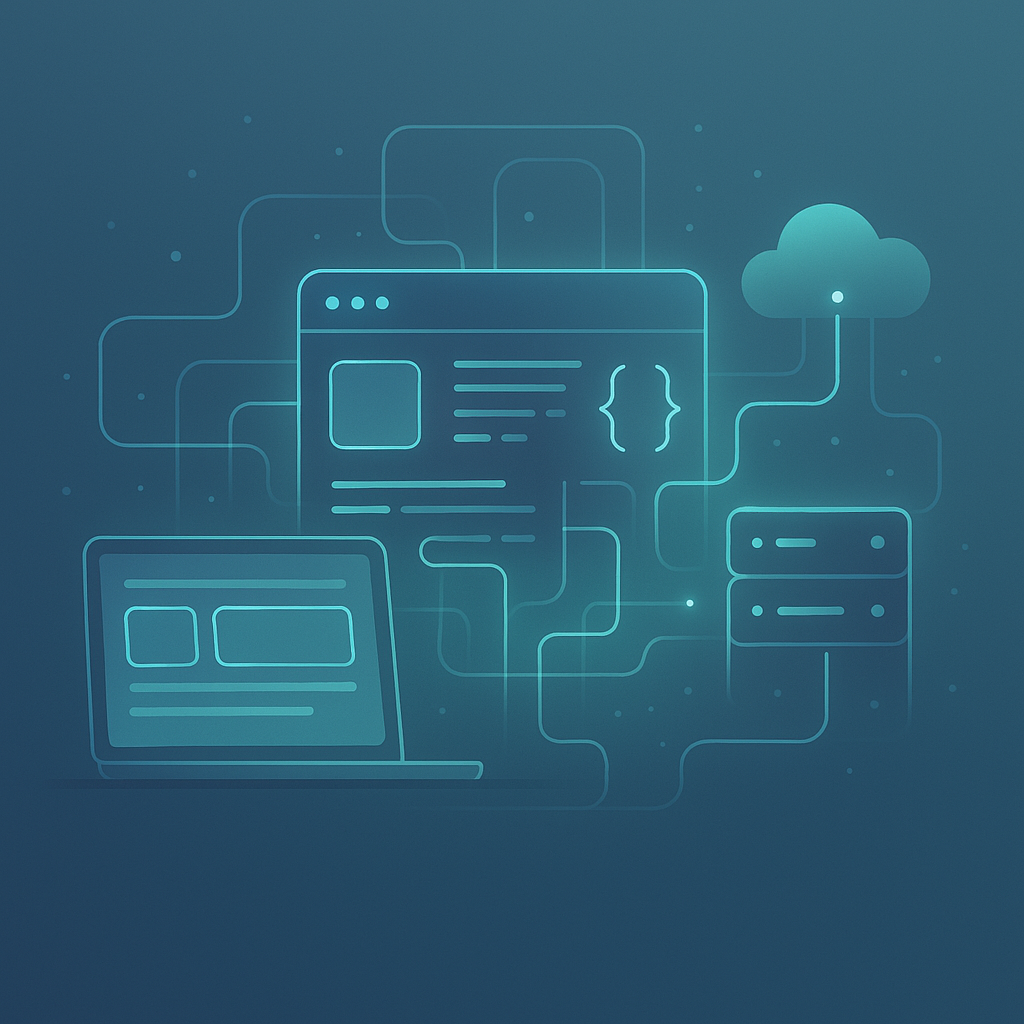
Web development is the work of building a website. It covers everything from writing code to setting up a database. It also includes making sure your site looks great on phones.
Think of it like building a house. You need a blueprint, a frame, and a finished look. Web development handles all three parts for your online home.
There are two main sides to web development. They are called front-end and back-end. Let’s look at each one.
Front-End Development
Front-end is what visitors see. It includes colors, fonts, buttons, and layout. This is the visual part of your website.
Front-end developers use three main tools:
- HTML – This creates the structure of a page. Think headings, paragraphs, and images.
- CSS – This controls the style. It sets colors, spacing, and fonts.
- JavaScript – This adds interactive features. Think dropdown menus, sliders, and pop-ups.
Good front-end work makes your site easy to use. Visitors stay longer and take action.
Back-End Development
Back-end is the behind-the-scenes work. It handles data, servers, and logic. You don’t see it, but it powers everything.
For example, when a customer fills out a form, the back-end saves that data. When someone logs in, the back-end checks their password. It is the engine of your website.
Common back-end tools include Python, PHP, and Node.js. Databases like MySQL store your site’s information.
Full-Stack Development
A full-stack developer handles both front-end and back-end. They can build an entire website from scratch. Many small businesses hire full-stack developers to save time and money.
Why Web Development Matters for Small Businesses in 2026
Your website is your best salesperson. It works 24 hours a day, 7 days a week. A strong site builds trust and brings in customers.
Here’s why web development deserves your attention right now:
- First impressions are fast. Visitors judge your site in about 0.05 seconds. A clean, fast site wins their trust.
- Mobile traffic keeps growing. In 2026, over 60% of web traffic comes from phones. Your site must work well on small screens.
- Search engines reward good sites. Google looks at speed, structure, and mobile design. Better web development means better rankings.
- AI tools are changing the game. New AI-powered builders make web development faster and cheaper than ever.
If you want to improve your search rankings, check out this small business SEO checklist for practical tips.
Types of Websites You Can Build
Not every business needs the same kind of site. Your goals shape what you build. Here are the most common types.
Business or Brochure Website
This is a simple site with a few pages. It tells visitors who you are and what you do. Most small businesses start here.
Typical pages include:
- Home page
- About page
- Services page
- Contact page
E-Commerce Website
This type lets you sell products online. It includes a shopping cart and payment system. Platforms like Shopify and WooCommerce make this easier.
Blog or Content Website
A blog helps you share helpful content. It builds trust with your audience. It also helps with Search Engine Optimization (SEO). You can learn more about planning content in this guide to building a content strategy.
Landing Page
A landing page has one goal. It might collect emails or promote a sale. It is simple, focused, and designed to convert visitors.
How to Plan Your Web Development Project
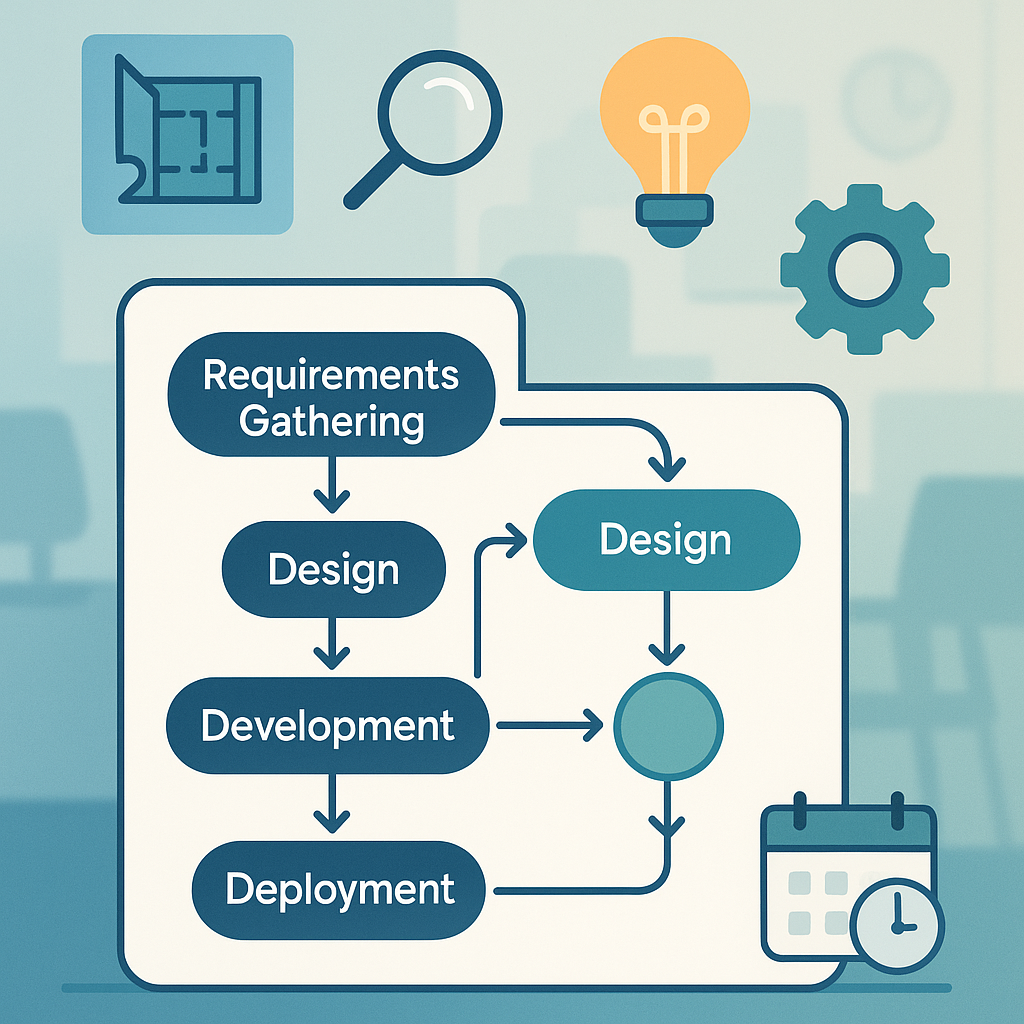
Good planning saves time and money. Before you write a single line of code, answer these questions.
Step 1: Define Your Goals
What do you want your website to do? Common goals include:
- Get more leads
- Sell products online
- Share information about your services
- Build brand awareness
Write down your top three goals. Keep them specific and clear.
Step 2: Know Your Audience
Think about who visits your site. What do they need? What problems do they have? Your site should answer their questions fast.
For example, a plumber’s audience wants to book a repair quickly. A bakery’s audience wants to see the menu and place an order.
Step 3: Choose Your Platform
You have several options for building your site:
- WordPress – The most popular choice. It powers over 40% of all websites. It is flexible and has thousands of plugins.
- Shopify – Best for online stores. It handles payments and shipping easily.
- Wix or Squarespace – Great for beginners. They offer drag-and-drop builders.
- Custom code – Best for unique needs. It offers full control but costs more.
According to W3Techs, WordPress remains the most used content management system in 2026.
Step 4: Set a Budget
Web development costs vary widely. A simple WordPress site might cost $500 to $5,000. A custom e-commerce site can run $10,000 or more.
Think about ongoing costs too. Hosting, domain names, and updates add up. Budget about $50 to $300 per month for maintenance.
Step 5: Create a Timeline
A basic site takes 2 to 4 weeks. A complex site can take 3 to 6 months. Set clear deadlines for each phase of the project.
Key Elements of Good Web Development
A great website is more than pretty pictures. It needs strong foundations. Here are the key elements to focus on.
Mobile-First Design
Build for phones first. Then adjust for larger screens. This approach makes sure most visitors have a great experience.
Google uses mobile-first indexing. This means it looks at your mobile site first for rankings. A mobile-friendly site is not optional in 2026.
Fast Loading Speed
Speed matters a lot. A one-second delay can cut conversions by 7%. Here are quick ways to speed up your site:
- Compress images before uploading
- Use a content delivery network (CDN)
- Choose fast, reliable hosting
- Remove unused plugins and scripts
You can test your speed with Google PageSpeed Insights. It gives free tips to make your site faster.
Clean Navigation
Visitors should find what they need in 3 clicks or less. Use clear menu labels. Keep your navigation simple and logical.
Strong Calls to Action
Every page needs a clear next step. Tell visitors what to do. Use buttons like “Get a Quote,” “Shop Now,” or “Call Us.”
Security
An SSL certificate is a must. It encrypts data between your site and visitors. Most browsers warn users about sites without SSL.
Keep your software updated. Use strong passwords. Back up your site regularly.
Accessibility
Make your site usable for everyone. This includes people with disabilities. Use alt text on images. Make sure text has enough contrast. Use clear headings.
Good accessibility also helps your SEO. It is a win-win.
Web Development and SEO: How They Work Together
Your site’s code affects how search engines see you. Good web development makes SEO easier. Bad code can hurt your rankings.
Site Structure
Use a clear hierarchy for your pages. Your home page links to main sections. Main sections link to sub-pages. This helps Google crawl your site.
Schema Markup
Schema is extra code that tells search engines about your content. It can help you show up in rich results. This includes star ratings, FAQs, and event details.
If you want to learn about how search engines are changing, read about Answer Engine Optimization (AEO). It covers how AI-powered search works.
Core Web Vitals
Google measures three things about your site’s experience:
- Loading speed – How fast your main content appears
- Interactivity – How quickly your site responds to clicks
- Visual stability – Whether elements shift around as the page loads
Good web development keeps all three scores in the green zone.
Web Development Trends in 2026
The web development world moves fast. Here are the biggest trends shaping 2026.
AI-Powered Development Tools
AI tools now write code, suggest designs, and fix bugs. They speed up the development process. Tools like GitHub Copilot help developers work faster.
Small businesses can use AI builders to create sites quickly. But a human touch still matters for custom work.
Headless CMS Architecture
A headless CMS separates your content from your design. This lets you push content to websites, apps, and other channels. It offers more flexibility for growing businesses.
Progressive Web Apps (PWAs)
PWAs look and feel like mobile apps. But they run in a browser. They load fast, work offline, and don’t need an app store. More businesses are choosing PWAs in 2026.
Voice Search Readiness
More people use voice assistants to search. Your site needs clear, simple content that answers questions. Structured data helps voice assistants find your info.
Green Web Development
Energy-efficient websites are a growing trend. Lighter code and smaller images reduce energy use. Some businesses now choose green hosting providers.
Should You Build It Yourself or Hire a Developer?
This depends on your budget, skills, and goals. Here is a quick comparison.
DIY Web Development
Best for: Simple sites with a small budget.
- Platforms like WordPress, Wix, and Squarespace make it possible
- You can launch a basic site in a weekend
- You control updates and changes
Downsides: Limited design options. Takes time to learn. You may miss technical details.
Hiring a Developer
Best for: Custom features, online stores, or complex sites.
- You get a professional, polished result
- Developers handle technical SEO and speed
- You save time and avoid mistakes
Downsides: Higher upfront cost. You depend on someone else for changes.
For practical design tips you can use right away, check out this guide on small business website design tips.
Common Web Development Mistakes to Avoid
Many small businesses make the same mistakes. Avoid these to save time and money.
- Skipping mobile design. Always test your site on phones and tablets.
- Ignoring page speed. Slow sites lose visitors and rankings.
- Using too many plugins. Each plugin adds weight. Only keep what you need.
- Forgetting backups. Set up automatic backups. One crash can erase everything.
- No clear call to action. Tell visitors what to do on every page.
- Skipping analytics. Install Google Analytics from day one. Track what works.
How to Maintain Your Website After Launch
Launching your site is just the start. Regular care keeps it healthy. Think of it like a car that needs oil changes.
Monthly Maintenance Checklist
- Update your CMS, themes, and plugins
- Check for broken links
- Review your site speed
- Back up your files and database
- Check security scans for issues
- Add fresh content like blog posts
Fresh content helps your SEO. It also gives visitors a reason to come back. According to HubSpot research, businesses that blog regularly get more traffic.
Frequently Asked Questions About Web Development
How much does web development cost for a small business?
A basic website costs between $500 and $5,000. Custom sites with special features can cost $10,000 to $50,000. Monthly maintenance adds $50 to $300. Your cost depends on your needs and who builds it.
How long does it take to build a website?
A simple site takes 2 to 4 weeks. A more complex site takes 2 to 6 months. The timeline depends on the number of pages, features, and revisions.
Do I need to know how to code to build a website?
No. Platforms like WordPress, Wix, and Squarespace let you build without code. But knowing basic HTML and CSS helps you make small changes yourself.
What is the best platform for small business web development?
WordPress is the most popular choice. It is flexible, affordable, and has great SEO tools. Shopify is best if you sell products online. Wix and Squarespace are good for simple sites.
How does web development affect my SEO?
Web development directly affects SEO. Site speed, mobile design, clean code, and structure all matter. A well-built site makes it easier for Google to find and rank your pages.
Should I hire a freelancer or an agency for web development?
Freelancers are often cheaper and great for small projects. Agencies offer more resources and support for larger projects. Choose based on your budget and project size.
How often should I update my website?
Update your software and plugins at least once a month. Add new content weekly or bi-weekly. Do a full design refresh every 2 to 3 years to stay current.
Wrapping Up: Your Next Steps in Web Development
Web development does not have to be scary. Start with your goals. Pick the right platform. Focus on speed, mobile design, and clear navigation.
Here are your key takeaways:
- Your website is your most important digital asset
- Front-end and back-end work together to create a full site
- Mobile-first design and fast speed are must-haves in 2026
- Good web development makes SEO much easier
- Plan your budget, timeline, and goals before you start
- Maintain your site monthly to keep it healthy
Take it one step at a time. Start small and improve as you go. The best website is one that grows with your business.
Want to learn more about growing online? Explore our blog for more helpful guides on marketing, SEO, and building your brand.